NOTE: Some features discussed in this manual require a separate purchase, and some
features are only available on international models. Every effort has been made to clearly
identify those features. Please read the manual carefully in order to understand the full
capabilities of your model.
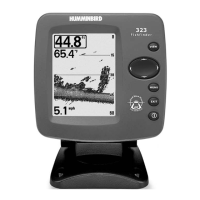
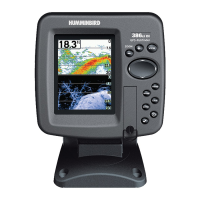
NOTE: The illustrations in this manual may not look the same as your product, but your
product will function in the same way.
NOTE: To purchase accessories for your control head, visit our Web site at humminbird.com
or contact our Customer Resource Center at 1-800-633-1468.
NOTE: The procedures and features described in this manual are subject to change without
notice. This manual was written in English and may have been translated to another
language. Humminbird® is not responsible for incorrect translations or discrepancies
between documents.
NOTE: Product specifications and features are subject to change without notice.
NOTE: Humminbird® verifies maximum stated depth in saltwater conditions, however actual
depth performance may vary due to transducer installation, water type, thermal layers,
bottom composition, and slope.
NOTE: For 360 Imaging™ troubleshooting and maintenance information, please see your
360 Imaging™ Installation Guide. The guide can also be downloaded from our Web site at
humminbird.com.
360 Imaging™, 700 Series™, 800 Series™, 900 Series™, 1100 Series™, Down Imaging®, Humminbird®, Side
Imaging®, SwitchFire™, and X-Press™ Menu are trademarked by or registered trademarks of Johnson
Outdoors Marine Electronics, Inc.
© 2013 Johnson Outdoors Marine Electronics, Inc. All rights reserved.





 To Next Page