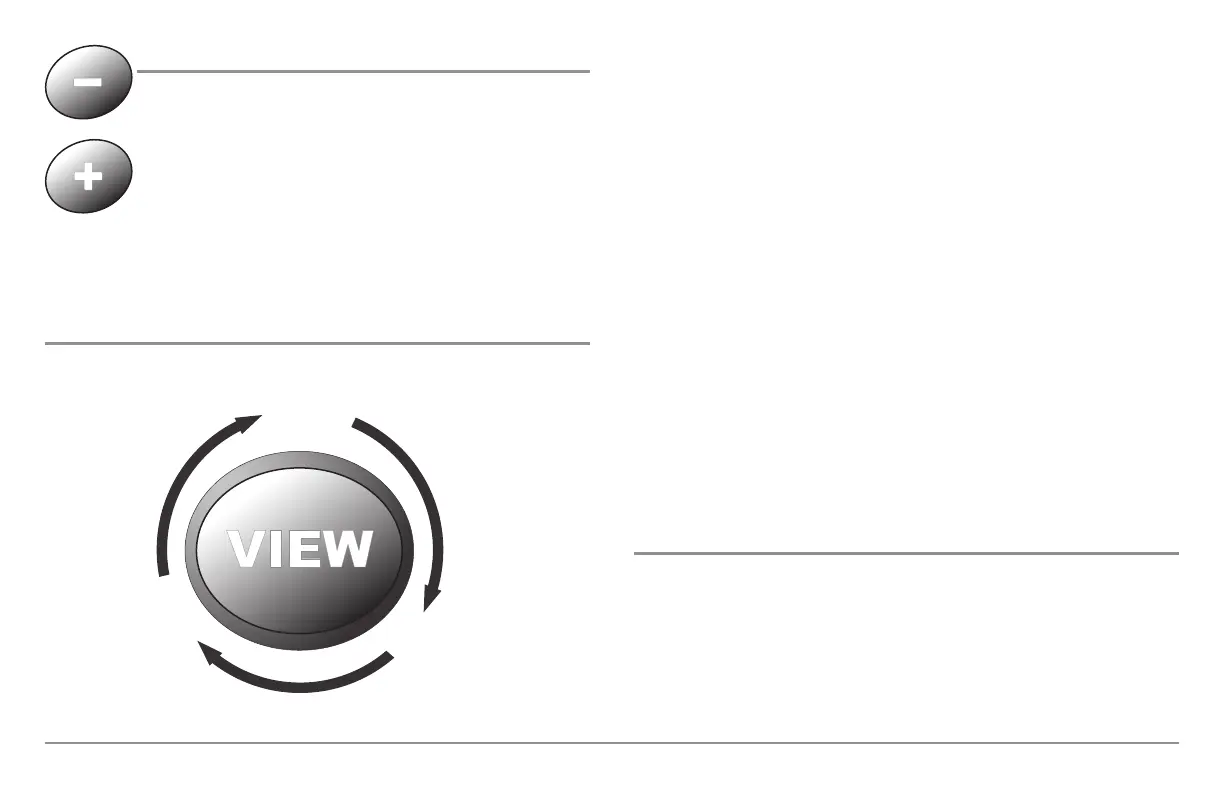
ZOOM (+/-) Keys
Press the - or + ZOOM keys while in any of the Navigation
Views or the Sonar Zoom View to change the scale of the view
to appear closer or farther away.
Views
The views available on your 900 Series™ are:
Sonar View is the default view. When the VIEW key is pressed, the display
cycles through the available views. When the EXIT key is pressed, the display
cycles through the available views in reverse order. Any view can be hidden
or displayed as part of the view rotation using the Views Menu tab.
NOTE: When you change any menu settings that affect the sonar, the view will update
immediately (i.e. you don’t have to exit the menu to apply the change to the screen).
Views and Readouts
All views have an Information Bar on the left side of the screen, consisting
of readouts that are stacked vertically, and that change from view to view.
You can customize the information displayed in individual readouts on many
views, including suppressing a particular readout so that nothing is
displayed; the ability to customize readouts depends on the view and
whether you are navigating (see Setup Menu Tab, Select Readouts for
more information).
• Sonar View
• Sonar Zoom View
• Split Sonar View
• Snapshot and Recording View
• Side Beam View
(Separate Purchase Required)
• Self Test View
• Accessory Test View
• GPS Diagnostic View
• Bird’s Eye View
• Chart/Bird’s Eye Combo View
• Chart/Chart Combo View
• Chart View
• Chart/Sonar Combo View.
Side Beam ViewSide Beam View
Chart/SonarChart/Sonar
Combo ViewCombo View
Chart ViewChart View
SonarSonar
ViewView
Chart/ChartChart/Chart
Combo ViewCombo View
Chart/Bird’s EyeChart/Bird’s Eye
Combo ViewCombo View
Bird’s EyeBird’s Eye
ViewView
GPS DiagnosticGPS Diagnostic
ViewView
AccessoryAccessory
Test ViewTest View
Self Test ViewSelf Test View
Snapshot andSnapshot and
Recording ViewRecording View
Split Sonar ViewSplit Sonar View
Sonar Zoom ViewSonar Zoom View
37




 To Next Page