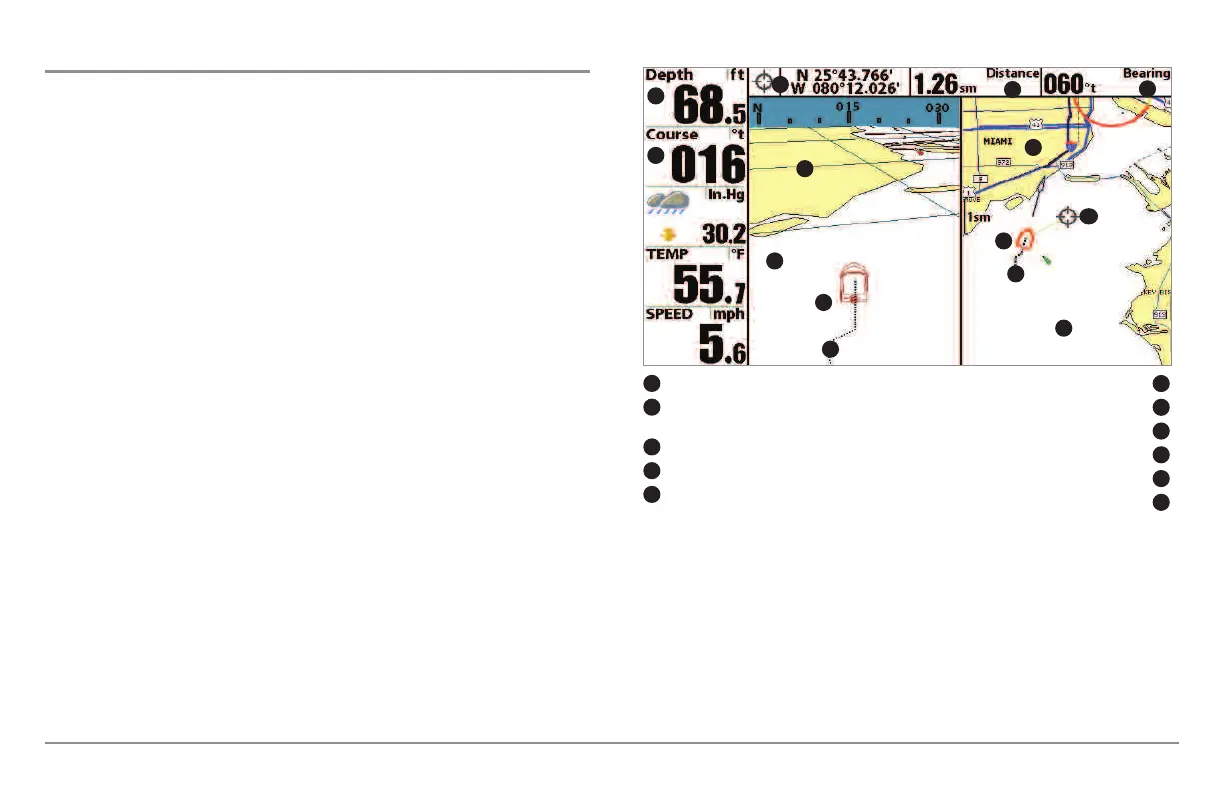
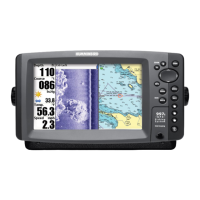
Chart/Bird’s Eye Combo View
Chart/Bird’s Eye Combo View shows both the Chart and Bird’s Eye views in a
combination split screen. You can perform any of the functions for either of
these views, but only when the view you want to control is selected as the
active side (see Sonar X-Press™ Menu: Active Side or Navigation X-Press™
Menu: Active Side for more information). A green arrow points to the side that
is active. You can also adjust the size of the left side of a split screen (see Sonar
X-Press™ Menu: Split Position or Navigation X-Press™ Menu: Split
Position for more information).
NOTE: See Bird’s Eye View and Chart View for more information about each
side of this view.
Chart/Bird’s Eye Combo View
Depth Latitude and Longitude Position of Cursor
1
6
Course: Direction that boat is travelling
relative to North Reference
Distance to the Cursor
2
7
Bird’s Eye Window
Bearing to the Cursor
3
8
Boat Icon
Cartography
4
9
Track (Breadcrumb Trail)
Active Cursor
5
10
Chart Window
11
1
2
3
4
5
6
7
8
9
10
11
4
5
9
48




 To Next Page