16
PROGRAMMING
9
option
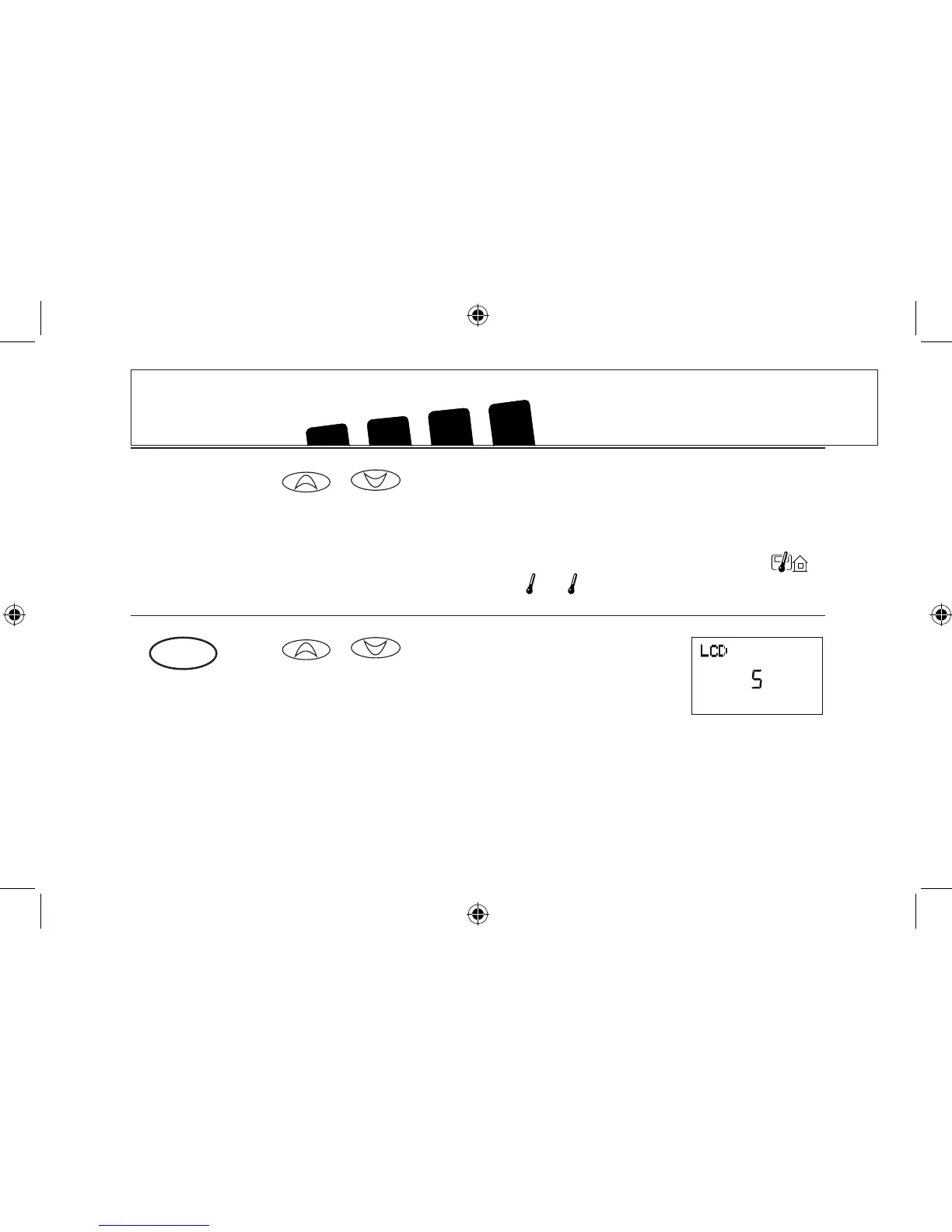
■ or to set RF communication channel (1-15)
for the selected remote sensor.
■ If you do not have, or are not using the a second or outdoor
remote sensor, set the channel to - -.
NOTE: The thermostat will not control your HVAC sysytem from the remote sensor set up as Outdoor .
However, it is crucial that you DO NOT place remote sensor or outdoors.
1
2
LCD Contrast adjustment
■ or to change the LCD contrast between 0
and 9. Lower numbers lighten the display. Higher numbers
darken the display. The factory setting is 5.



 To Next Page