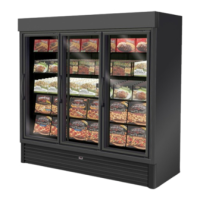
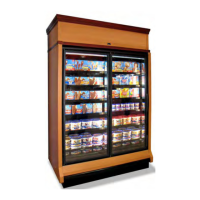
1. Minimize processing time to avoid damaging tem-
perature rise to the product. Product should be at
proper temperature.
2. Keep the air in and around the case area free
of foreign gasses and fumes or food will rapidly
deteriorate.
3. Maintain the display merchandisers temperature
controls as outlined in the refrigerator section of
this manual.
4. Do not place any product into these refrigerators
until all controls have been adjusted and they are
operating at the proper temperature.Allow mer-
chandiser to operate a minimum of three (3) hours
before stocking with any product.
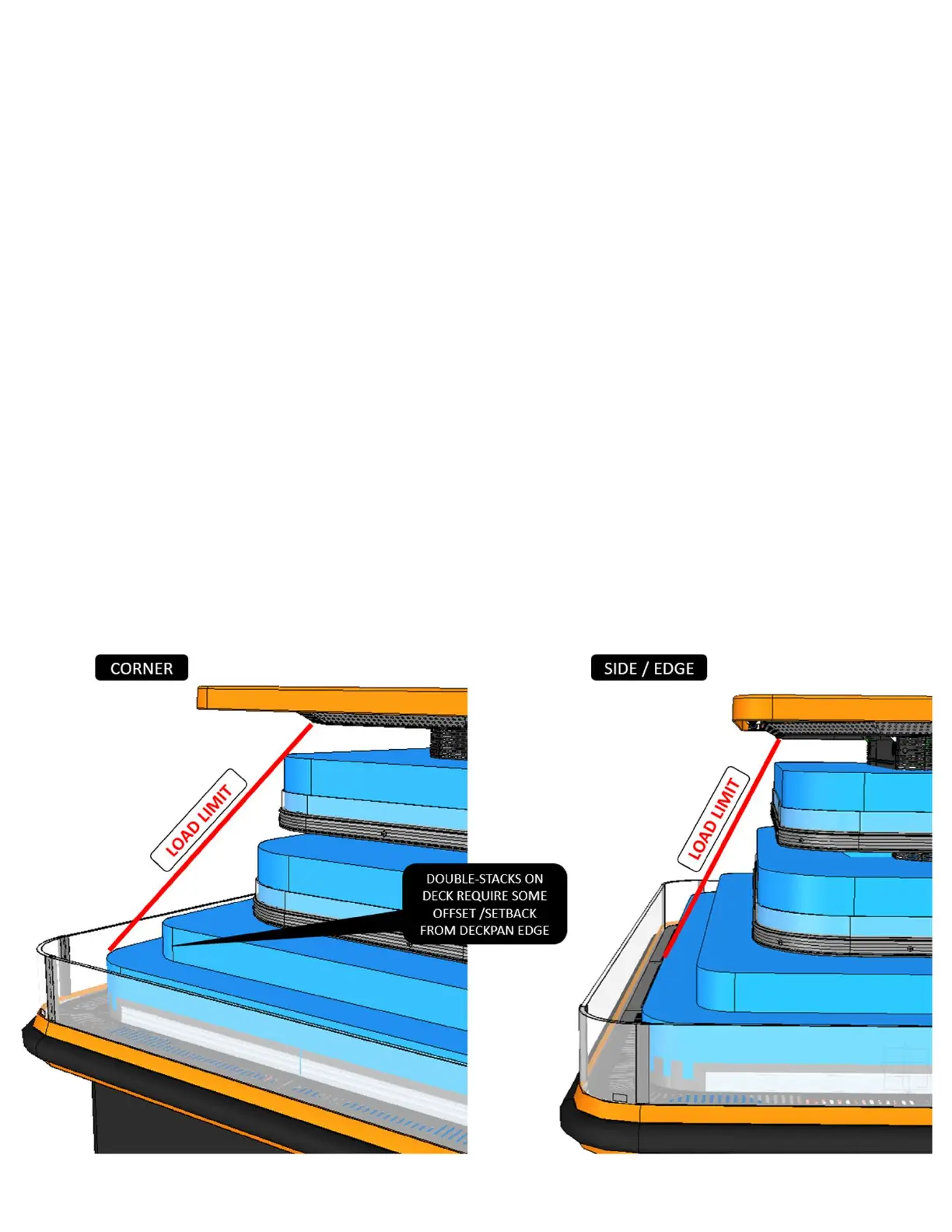
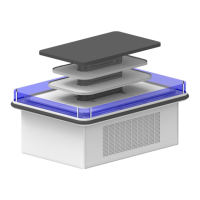
5. When stocking, never allow the product to extend
beyond the recommended load limit. Air dis-
charge and return air flue must be unobstructed at
all times to provide proper refrigeration.
6. Avoid the use of supplemental flood or spot light-
ing. Display light intensity has been designed for
maximum visibility and product life at the factory.
User Information
Stocking
Improper temperature and lighting will cause serious product loss. Discoloration, dehydration and spoilage can
be controlled with proper use of the equipment and handling of product. Product temperature should always be
maintained at a constant and proper temperature. This means that from the time the product is received, through
storage, preparation and display, the temperature of the product must be controlled to maximize life of the product.
Hussmann cases were not designed to “heat up” or “cool down” product - but rather to maintain an item’s proper
temperature for maximum shelf life. To achieve the protection required always:
Load Limit
22


 To Next Page