E. Delete the User Code
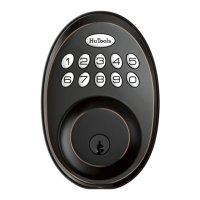
① Push the HuTools button twice;
② Enter your own master code (which you have set before);
③ Push the HuTools button once, then the HuTools button will has green light (not flash)
and there's a long sound beep.
④ Press the number button " 3 ", the HuTools button will has green light flash and a long
sound beep.
⑤ Enter the UNWANTED user code, then push HuTools button once. The HuTools button
will has green light flash and a long sound beep.
The unwanted user code is deleted.
F. Mute the Button
① Push the HuTools button twice;
② Enter your own master code (which you have set before);
③ Push the HuTools button once, then the HuTools button will has green light (not flash)
and there's a long sound beep.
④ Press the number button "4", the HuTools button will has green light flash and a long
sound beep.
⑤ Press the number button "2", and then push the HuTools button once. The HuTools
button will has green light flash and a long sound beep.
Finish the setting, the button will be mute. Enable the silent mode only mutes the sound
when pressing keypad. You will still hear low battery and system alerts.


 To Next Page