I. Change Auto Lock Time Delay
If you think that the 30 seconds auto lock time is too long or too short, you can change the
auto lock time (10 to 99 seconds) by the following steps.
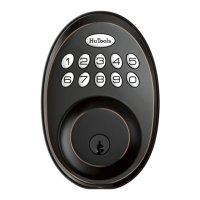
① Push the HuTools button twice;
② Enter your own master code (which you have set before);
③ Push the HuTools button once, then the HuTools button will has green light (not flash)
and there's a long sound beep.
④ Press the number button "8", the HuTools button will has green light flash and a long
sound beep.
⑤ Enter the time you want to set ( allow 10 - 99 seconds ), then push the HuTools
button once. The HuTools button will has green light flash and a long sound beep. (For
example, if you want to set 12 seconds, then you enter the number “12”, then push
HuTools button.)
⑥ The deadbolt latch will auto lock and extend out in the time you set, with 2 short
beep sounds and red light flash on HuTools button.
The auto lock time setting is finished.
J. Close the Auto Lock Feature
① Push the HuTools button twice;
② Enter your own master code (which you have set before);
③ Push the HuTools button once, then the HuTools button will has green light (not flash)
and there's a long sound beep.


 To Next Page