EasyManua.ls Logo

Huvitz HLM-1 - Page 40

Huvitz HLM-1
52 pages
Print Icon
To Next Page IconTo Next Page
To Previous Page IconTo Previous Page
Loading...
Auto Lensmeter HLM-1
39
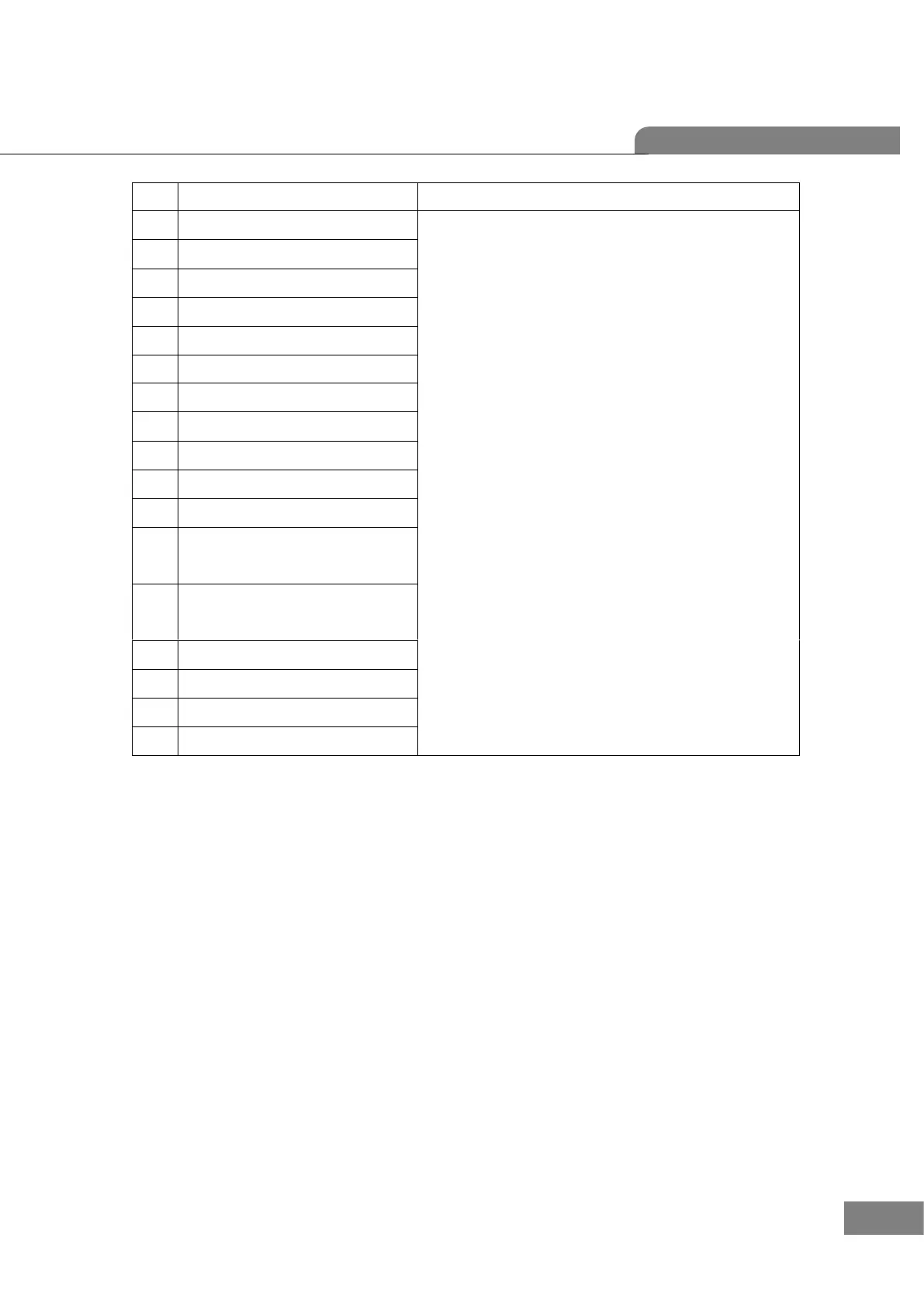
No
Component
Removal method
1
B6_LCD-FRONT-COVER
- Disconnect all cables from LCD assembly.
- First, remove 4 screws from [5]
and separate [5] [3] [2] step by step.
- Next, remove 3 screws from [10] and separate [10] [8].
- Be careful that there is no scratch and assembly is the
reverse procedure of disassembly.

2
B6_LCD-WINDOW
3
LCD(GRAPHIC)
4
HARNESS(MB(CN17) TO LCD)
5
B6_LCD-PRESS-COVER
6
B6_LCD-FRAME-BRK
7
B6_LCD-SPONGE-GASKET
8
B6_LCD-BUTTON
9
HARNESS ASSY(MAIN TO KEY PADS)
10
PCB ASSY(HLMK-100)
11
SCREW (3*6)
12
ROUND HEAD TAPPING
TYPE 2 (3.0*8)
13
ROUND HEAD TAPPING
TYPE 2 (2*6,Nikel)
14
B6_MB-EMI-TAPE
15
B6_LCD-SHIELD-A
16
B6_LCD-SHIELD-B
17
MACHINE SCREW(PH)

Other manuals for Huvitz HLM-1

Related product manuals