Pg 3.18 H22
HEAD HEIGHT CALIBRATION
1) Enter the PLC parameter screen as per Length Calibration Procedure on Pg. 3.19.
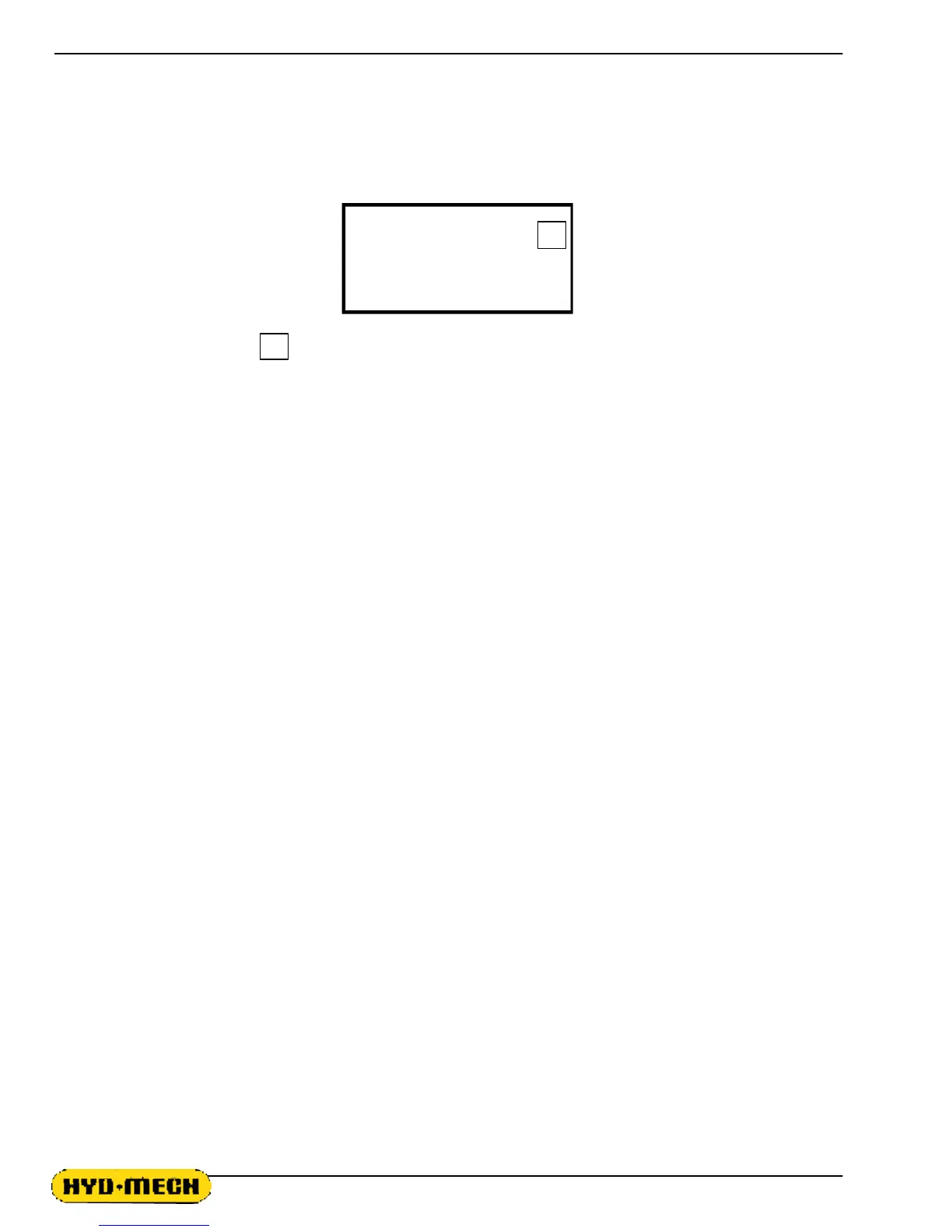
2) Using the arrow cursor keys scroll down until the screen displays :
HT CLB "ENTER" 0
ACT HT 00.000
3) With the cursor on the 0 , press the ENTER key. The cycle start button will begin to flash, the head
will move to it's down limit and then will move up to it's full upper limit.
4) Measure the distance from the vise horizontal wear strip to the blade teeth tips, and enter this value in the
ACT HT parameter. Measurement must be made along the front vise datum jaw. Input this measurement
value & press the ENTER key. Press the AUTO/MAN key to finish the procedure & exit the parameters screen.



 To Next Page