14
User GuideHYDRAFACIAL
Syndeo
™
1900104-B
en
On, Off, and Sleep Modes
Turn ON the System
1. Connect the power cord to the Syndeo system and connect the plug into a grounded wall outlet.
2. Switch the power entry module switch to the ON ( I ) position.
3. The Syndeo system will boot up and the Start Up Screen will appear.
Sleep Mode
1. The Syndeo system enters sleep mode after one hour of idle time (time since last touching of the touchscreen). Idle time can be
adjusted in Settings.
2. To wake from sleep mode simply touch the monitor screen.
Turn OFF the System
To turn OFF the unit simply switch the power entry module to the OFF (O) position.
Note: The Syndeo system can typically be left on and connected to the internet.
Connectivity
• To ensure you receive regular software updates, connect your Syndeo unit to the internet (WiFi).
• If Wi-Fi is unavailable, internet connection can be achieved via ethernet or cellular service.
• Internet connection can be established during the initial setup process by following the onscreen prompts. Alternatively, the system
connectivity can be adjusted in Settings.
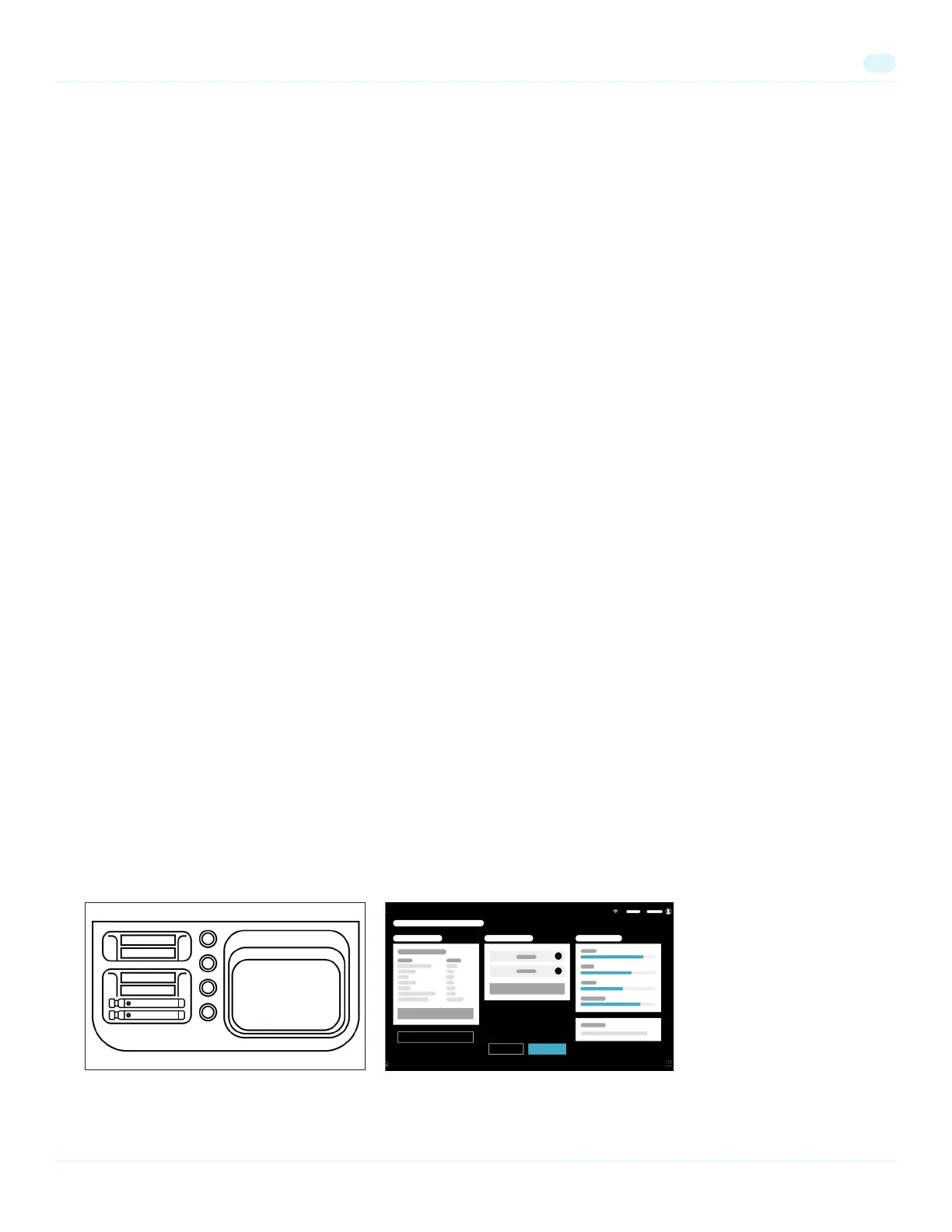
Prep Tray
The tray is enabled with smart technology that scans consumables placed in the tray and displays them in Pre-Treatment Screens under
the Personalization section. To easily personalize a treatment:
1. Place consumable vials (e.g. Boosters, Peels, etc.) into the tray prior to starting a treatment.


 To Next Page