22
User GuideHYDRAFACIAL
Syndeo
™
1900104-B
en
Troubleshooting
Problem Possible Cause Solution
No Power
Power cord
Make sure power cord is properly connected to back of the unit and to a working wall
outlet.
Fuses
Unplug unit from main wall outlet. Use a small athead screwdriver to remove the fuse
holder box located in between the ON/OFF switch and power cord. Check that fuses are
in good working conditions (not blown).
Touchscreen
Blank screen/No video signal
If the main power is ON and the touchscreen is blank, press the power button located on
the right hand side of touchscreen. Check video cable connection in the rear.
No image, or inverted image on the screen
Call your local distributor for assistance.
Screen does not respond to touch
Low or No Fluid
Flow
Empty bottle Make sure your skin solution bottle is not empty.
Improper connection
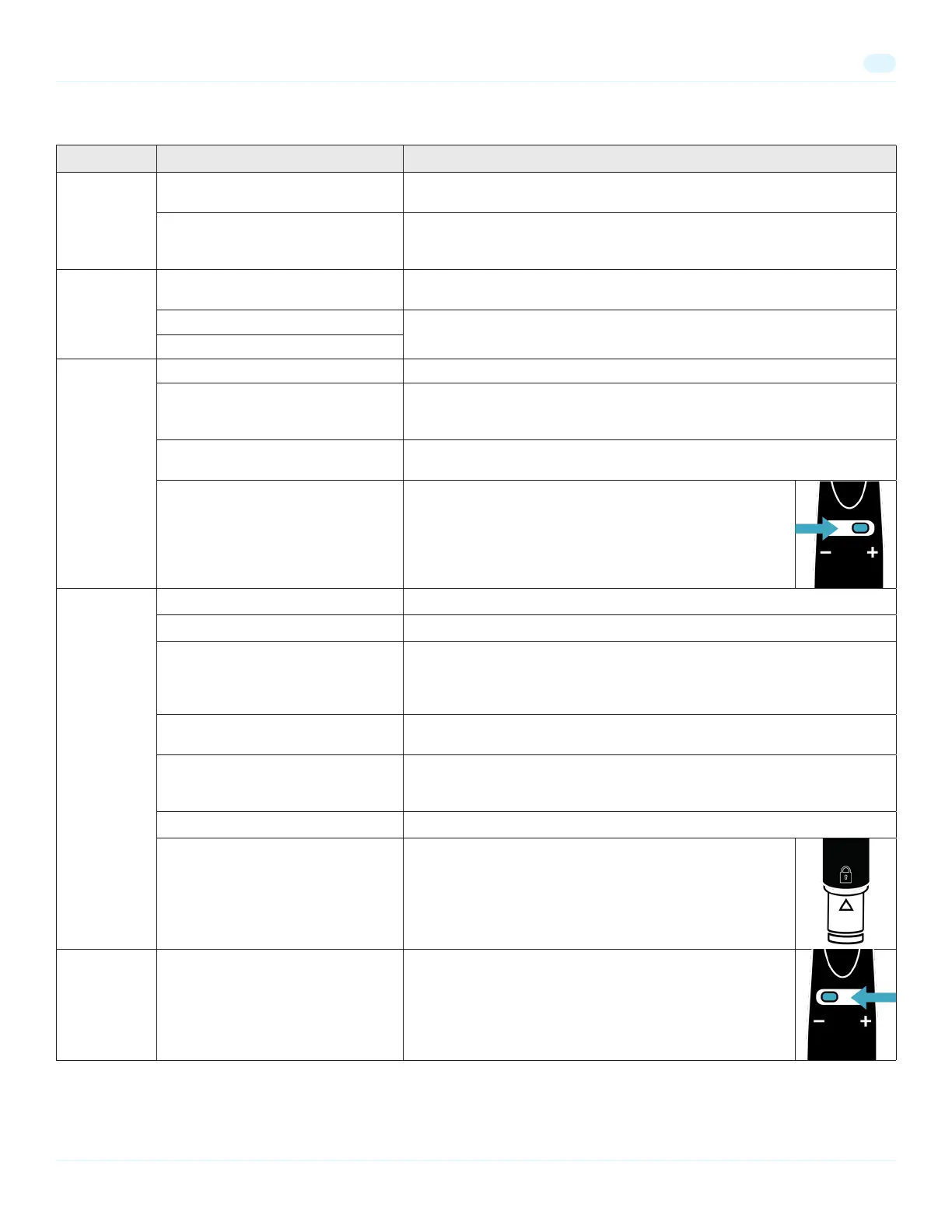
Make sure that your HydraFacial handpiece is properly connected to the side of the
skin solution station block, and to the waste canister. Also, make sure that the lid is rmly
attached to the waste canister.
Tip is improperly installed
Make sure the tip is rmly installed onto the handpiece. Angled tips should face downwards
in order to facilitate ow.
Flow control valve is closed
Make sure the ow control valve on the handpiece is open. To increase
uid ow, turn the ow control valve towards the + sign.
Low or No Fluid
Flow
Leak in the line Check lines for any kinks or leaks.
Too many solution stations are on Make sure you only have a maximum of two skin solution stations on the ON position.
Faulty station
If using only one station at a time, turn current station off and try another station. If this
corrects the problem please check on the previous station that the internal bottle seal is
completely broken and pick up assembly (metal portion) is fully submerged. Repuncture the
bottle if needed.
Operator technique
Make sure that you are holding the handpiece correctly and not working against gravity or
blocking the tubing.
Waste canister is full
Do not let the waste canister ll above 450 mL. If the canister becomes overfull, a built-in
oat will occlude the vacuum opening and skin solution ow through the handpiece will
cease. Empty the waste canister after each service.
Clogging Flush all stations thoroughly. Make sure the System is cleaned after each service.
Cartridge is loose
Make sure that the gray cartridge is properly inserted into the
handpiece. The arrow on the cartridge should line up with the lock
symbol.
Too Much Fluid
Flow
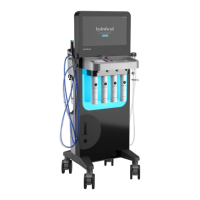
Flow control valve is opened too far
Make sure the ow control valve on the handpiece is not opened
too far. The default setting for the ow control valve is 50% open.
To decrease uid ow, turn the ow control valve towards the – sign.


 To Next Page