2.2.3 Opening a Project
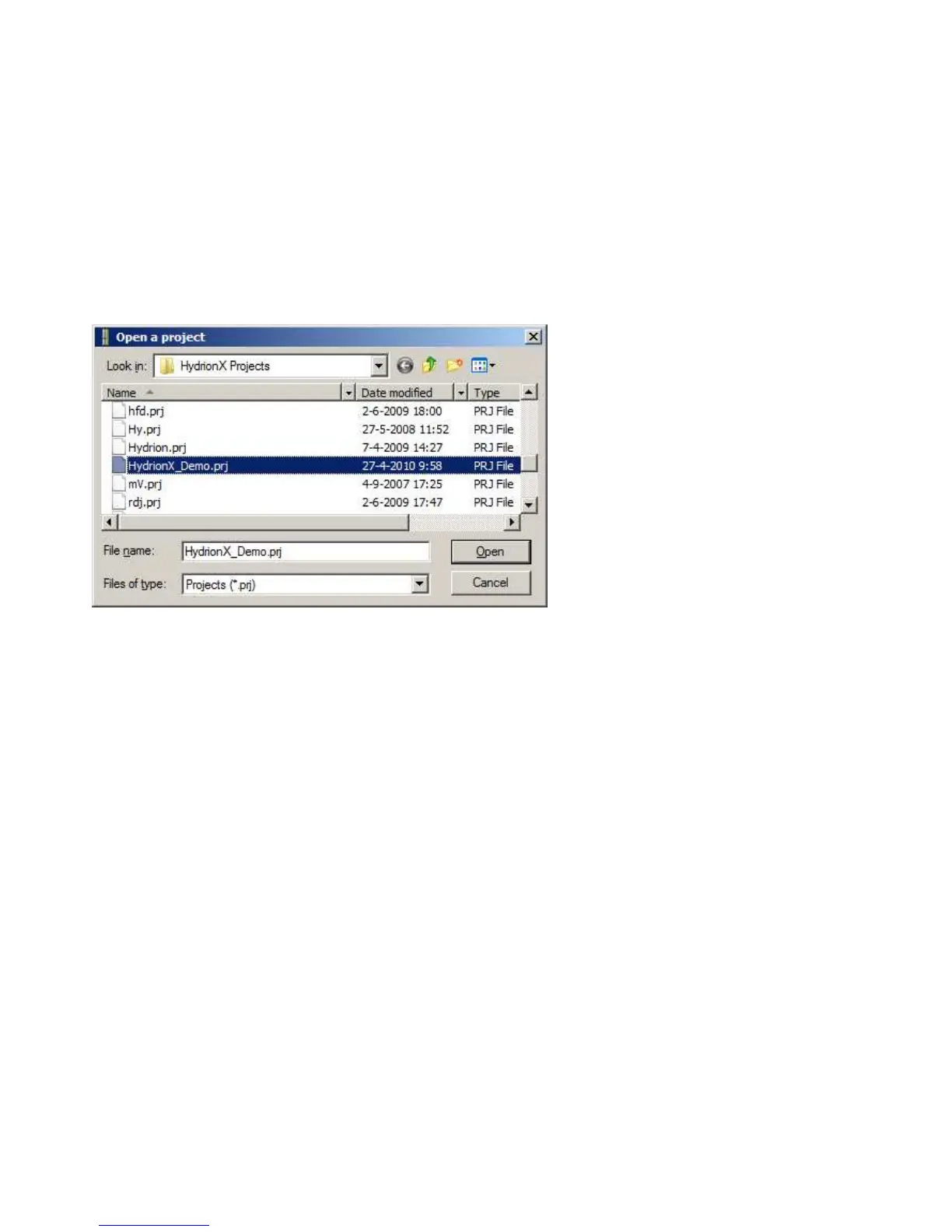
Open the drop-down menu under [Project] and click on [Open]. Next to ’filename’, type the name of the project and click
on [Open].
You can also open a project by double-clicking directly on its name in the list.
If you want to create a project or open a project, you must first close the active project. To do this, click on the [X] button
in the right hand corner of the measurement window.


 To Next Page