2.5.2 Processing Stored Data/Results
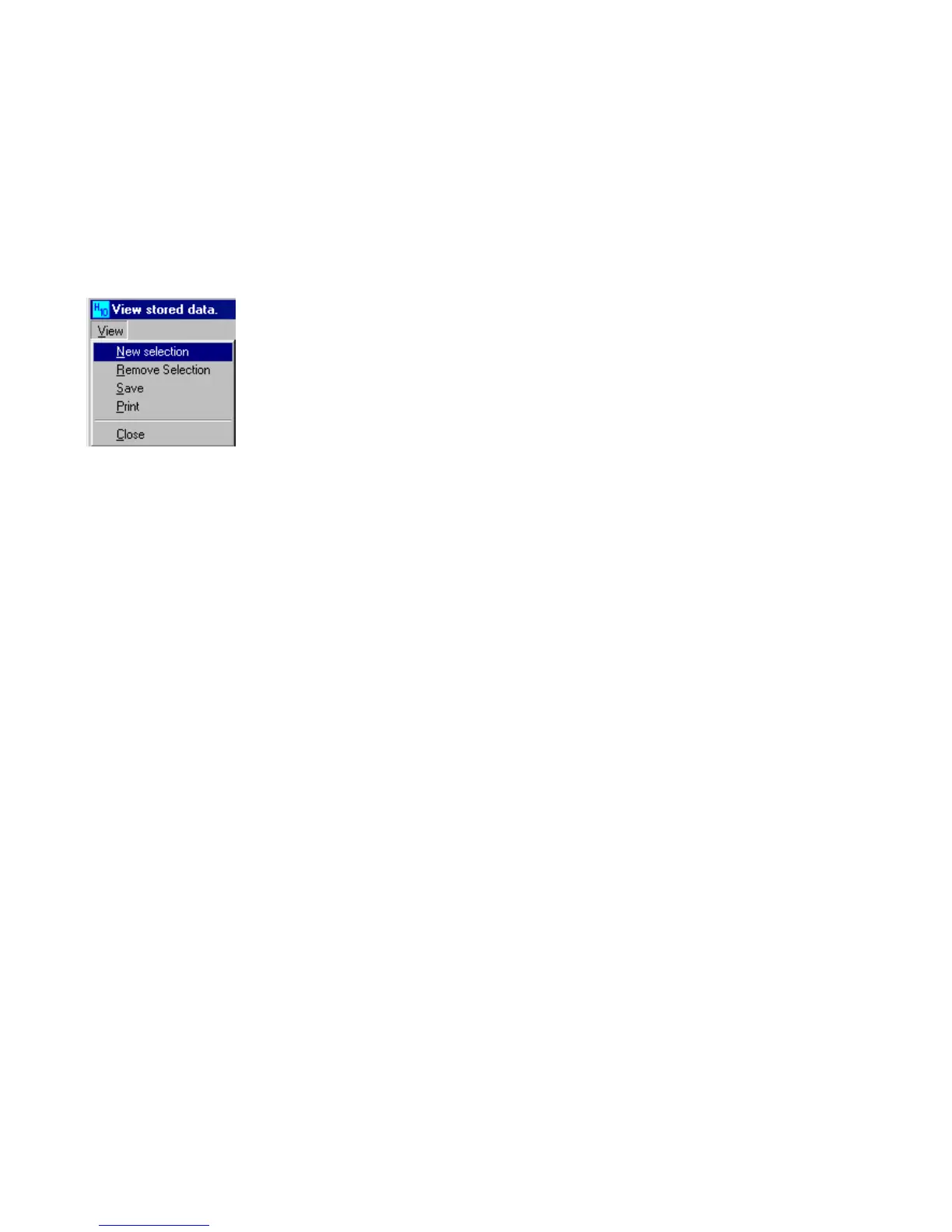
Click on [View] in the menu bar to make a new selection, remove an existing selection, save the results, or print the
results.
New Selection: if only a part of the results must be removed, printed or saved; select the desired lines.
Remove Selection: click this option in order to remove the selection.
Save: the results will be saved in the chosen format.
Print: the selected results will be printed.


 To Next Page