Installation Manual 5.1.2
25
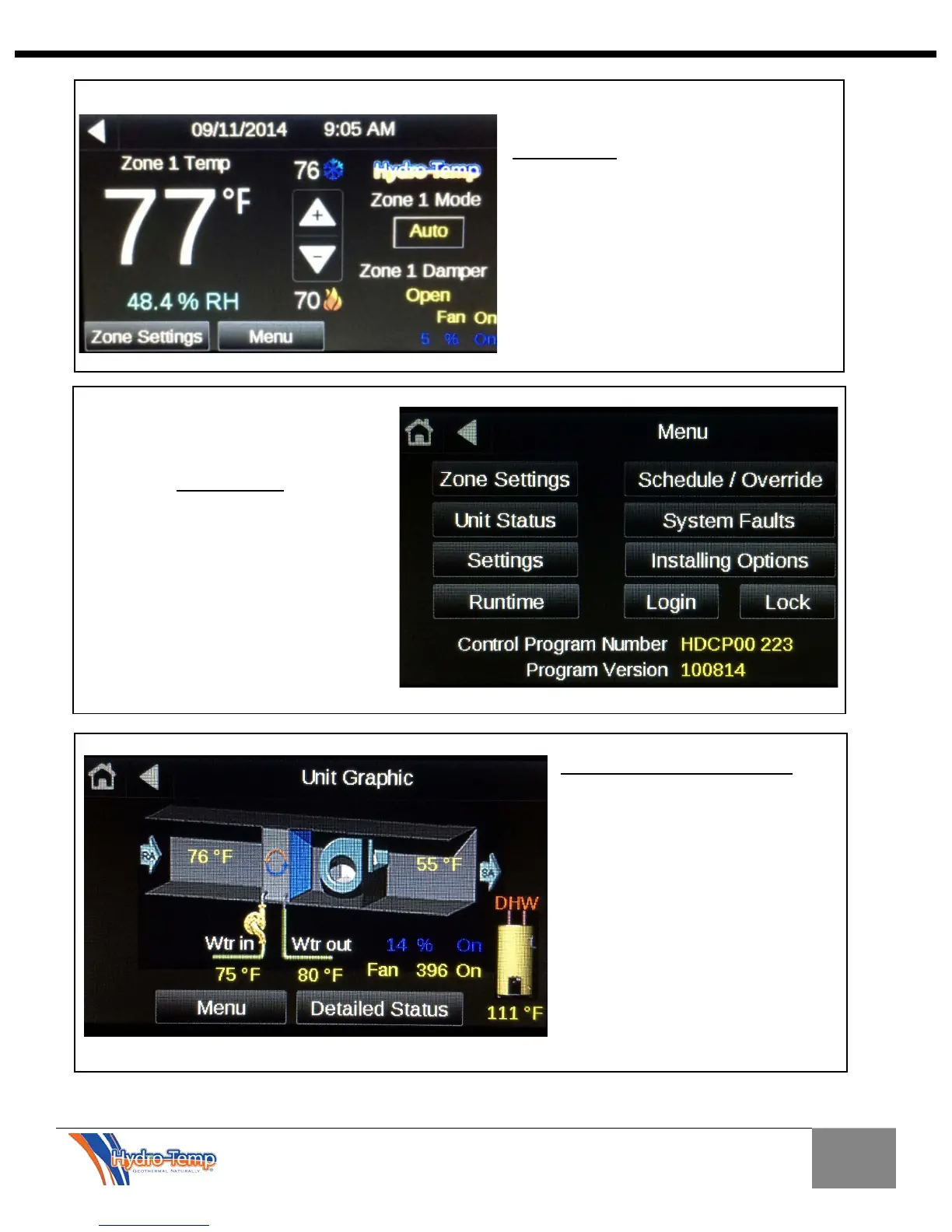
accessed by pressing the Menu button
on the bottom of the home screen.
The Menu screen provides
navigation to many other
screens and provides
program version
information.
Unit Status / Graphic Screen
This screen shows a real time
status of the entering and exiting air
temps and
water temps. Just like the home
screen, the compressor speeds and
blower speeds are also displayed.
If the system is equipped with
Priority DHW the tank temperature
will also be displayed.
The detailed status button can be
pressed to display more detail in a
text layout.


 To Next Page