23
MODIFYING SCHEDULES
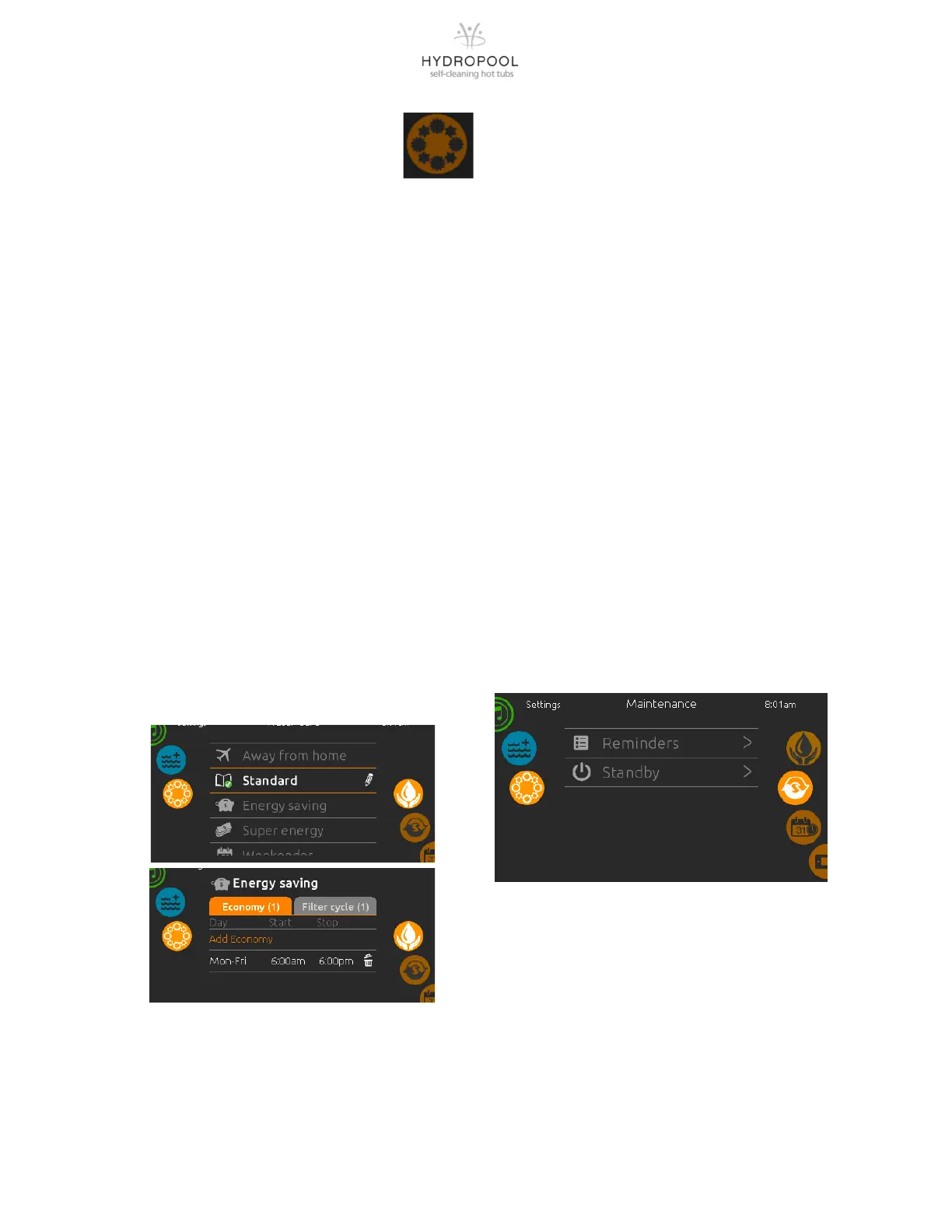
To see and / or modify the Water
Care category, use the Sengs icon
to open the selected Water Care menu.
Scroll through the menu to choose a schedule
to modify (choice of economy and filtraon
schedules).
You have several possibilies for the schedule
(Mon-Fri, weekend, every day, or single days).
The schedules will be repeated every week.
The me and duraon are set in 30 minute
increments. Once you have set the schedule,
use Spa Funcon Icon to go back. Ensure that
you have selected the desired Water Care op-
on in the main Water Care menu.
The filtraon schedule shown on the screen
will apply to the main filtraon pump. Your
spa uses a circulaon pump configured to run
24 hours by default and the screen will show
you the purge seng instead of filtraon. The
purges are pre-programmed for a fixed
number of minutes, therefore the duraon
will be set to N/A on the screen, and only the
start me can be modified.
FILTERING
Your spa is equipped with a circulaon pump
that filters your water for 24 hours a day. If
the water temperature exceeds the set
temperature by 4°F (and set point is 95°F or
higher) then this pump will shut off
automacally unl the temperature drops
below the set point by approximately 1.5°F.
You can bypass the pack filtraon over-
temperature feature. When Warm weather is
"Off", the filtraon over-temperature is
disabled. This feature allows the spa to
connue filtering even through the water
temperature is high.
MAINTENANCE
From the Sengs page you can access the
Maintenance Menu, which gives you access
to the following opons:
Maintenance reminders
Standby
Press the text to make a selecon.




 To Next Page