EasyManua.ls Logo

Hygiena SystemSURE Plus v2 - 3. Set-up Menu Options; 3.2 Setting up Program Test Points and Pass;Fail Limits; 3.3 Test Plans; 3.4 Establishing ATP Pass;Fail Limits

Hygiena SystemSURE Plus v2
33 pages
Print Icon
To Next Page IconTo Next Page
To Previous Page IconTo Previous Page
Loading...
9
3. Set-up Menu Options
With the luminometer turned on, the Set-up Menu can be accessed
by pressing the button.
Use the and buttons to scroll through the menu list, and then
press the button to select the required menu option, or the
button the exit the menu.
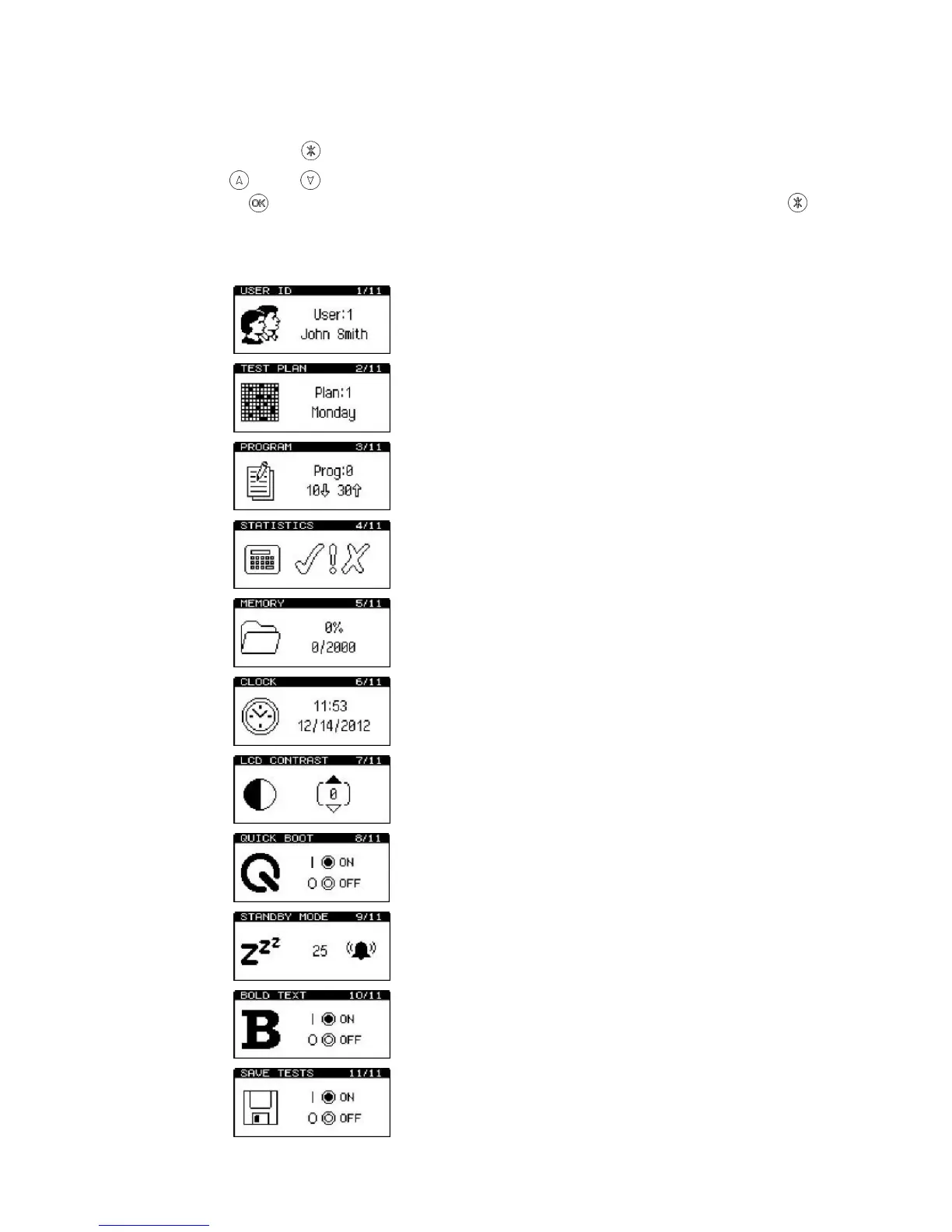
The following 11 menu options are available:

User ID
Test Plan
Program
Statistics
Memory
Clock
LCD Contrast
Quick Boot
Standby Mode
Bold Text
Save Tests

Related product manuals