Chapter 1
1-24 T7 Series Troubleshooting Manual 940114-020
6. Reconnect the printer cable to the back of the terminal.
7. Reconnect the power cable and run a printer test by pressing the key sequence: Function, 8,
2, Enter.
88IVQMREPW
Step-by-Step
To remove the printer mechanism:
1. Disconnect the power from the T77 terminal.
2. Remove the paper from the terminal, and leave the paper cover open.
3. Open the cover. Using both hands, locate the levers on the back of the T77 terminal and
push them away from you in a downward motion stopping at a 45-degree angle.
4. Carefully remove the modular printer by pulling the printer mechanism away from you.
(MWTPE]
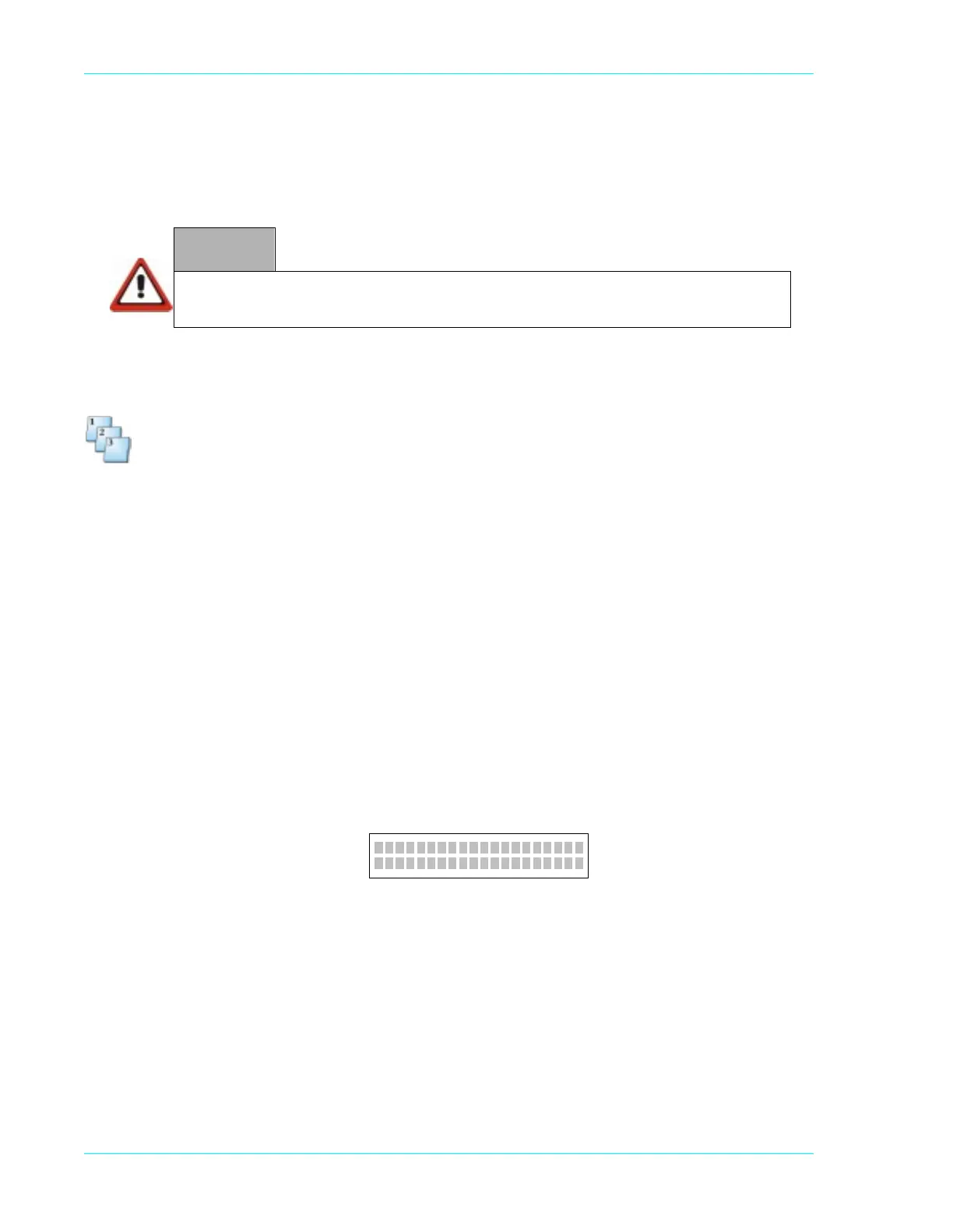
To perform a display test, press the key sequence: Function, 8, 3, Enter. The terminal displays two
lines of 20 blocks.
If anything else displays, send the terminal to Hypercom, via an RMA, for additional testing and if
necessary, repairs.
WARNING
Do not stick any sharp objects inside the printer. This can result in permanent damage to the
printer or the printer guide.



 To Next Page