Chapter 1
1-6 T7 Series Troubleshooting Manual 940114-020
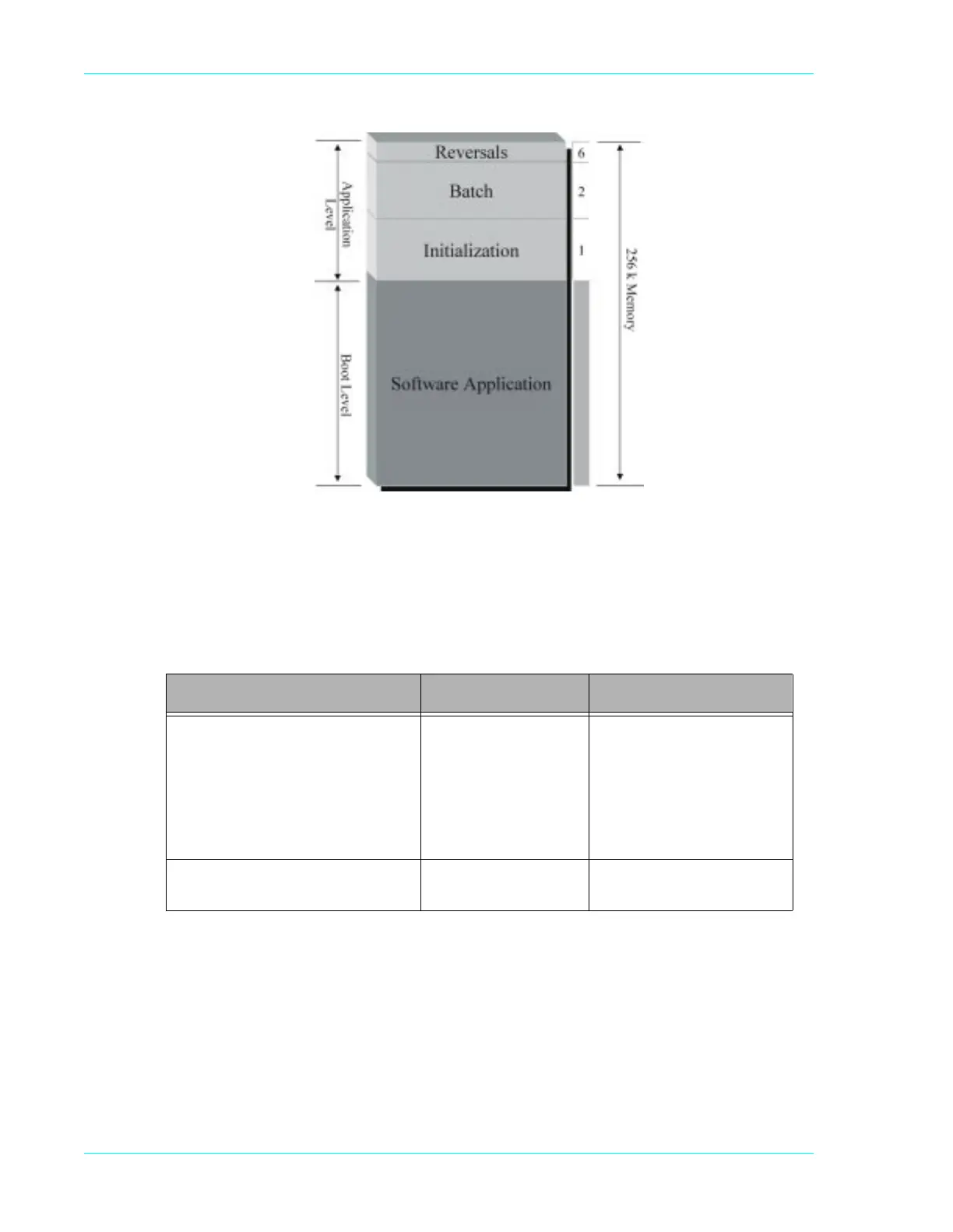
Figure 1-1. Application memory diagram
&SSX0IZIP
The following table illustrates what information resides in the Boot level and various functions
needed to access, change, or delete parameters.
Terminal display Key strokes Result
'$7( 7,0(
6:,3(&86720(5&$5'
Function 3, Enter
Card Verify, Void,
Offline
N
OTE: Hold Card Verify,
Void, and Offline
until the terminal
beeps twice.
Accesses the Boot Level
Memory
For more information, refer to
“Accessing the Terminal’s
Boot Level” on page 1-9.
3/($6(,1,7,$/,=(25
&$//+(/3)(
Function, 98, Enter Deletes the software
application



 To Next Page