Chapter 4
4-2 T7 Series Troubleshooting Manual 940114-020
4. Power on the telephone.
5. Power on the connection box.
6. Go into the Boot level, press Function 99, 3 and change the Hook Delay setting to 00.
N
OTE: When you are not using the terminal with a cellular phone, you must change the Hook Delay
setting back to the default 01 setting for normal terminal dialing out operation.
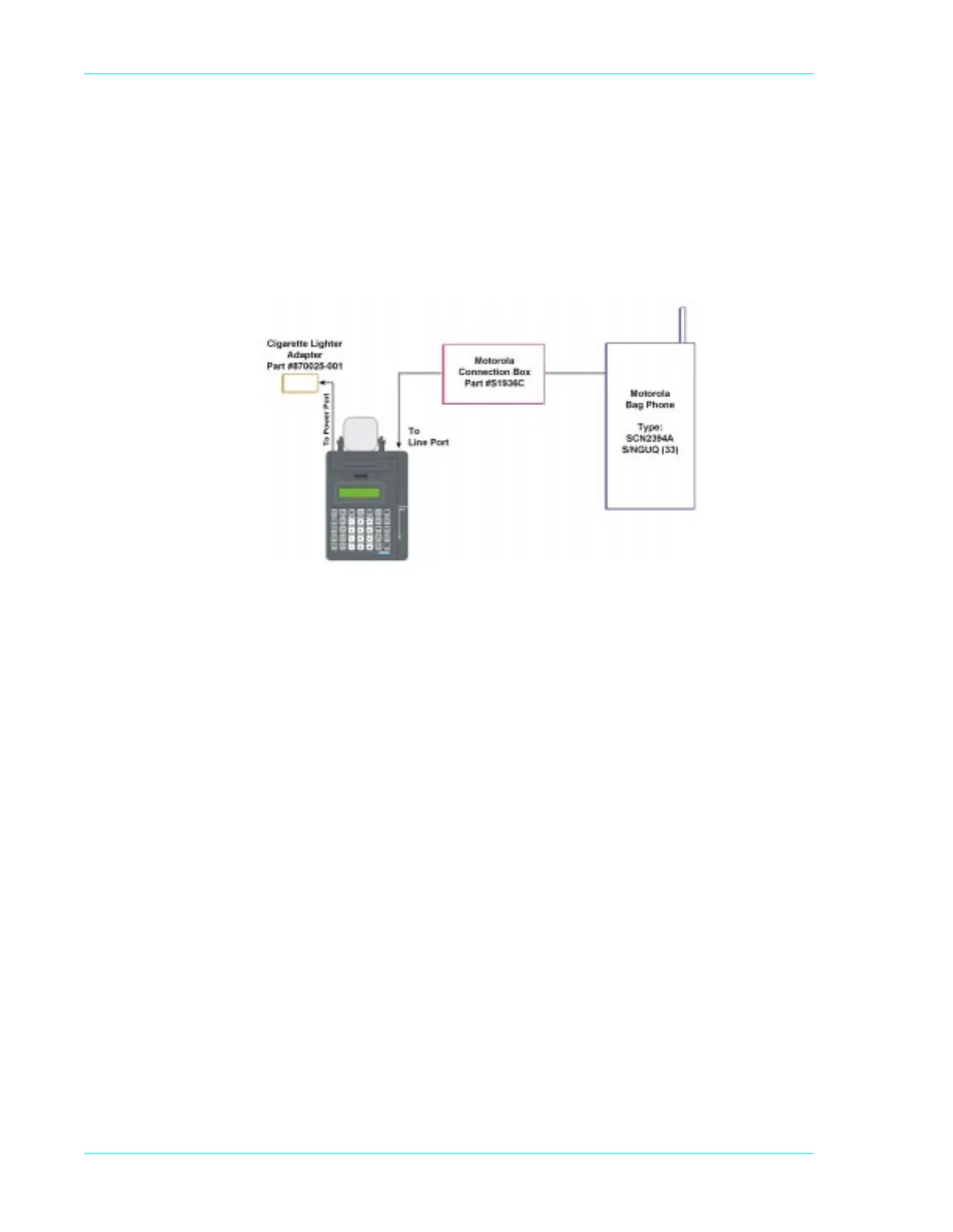
Figure 4-1. Certified cellular bag phone configuration



 To Next Page