Turn the computer on, log on, launch PlasmaCAM software
Turn the Exhaust fan on
Turn the PlasmaCAM table on
Initialize the PlasmaCAM table in the software
Bring the torch front and center, check for proper assembly/within operating specifications
Plug the air supply in to the plasma cutter
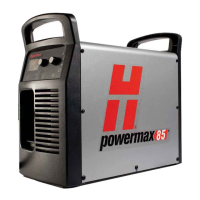
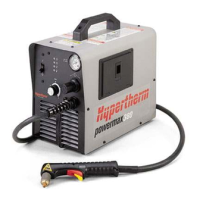
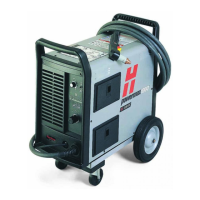
Turn the plasma cutter on
Adjust gas pressure and amperage as necessary
Load the stock into the cutting bed
Make sure the ground clamp is well-attached to the work
Be sure the intended cut lines do not fall on the support stanchions
Move the torch carriage, using reference holes if applicable, to locate the cutting torch as desired on stock
Ensure the stock is properly positioned and sized by checking the corners
Manually adjust the Z axis to about 1/16-1/8” above the work (use a penny).
Adjust cut settings in PlasmaCAM software (under Machine->Settings)
Run Machine->Initialize in the software if needed (again)
Select the parts that you want to cut
Initiate the cut using Machine->Cut
“Dry run” the cuts as a final check, then repeat with the torch turned on
Once finished, turn everything off (including the fan) & remove air hose from the plasma cutter
Clean up, please
Summary










 To Previous Page