EasyManua.ls Logo

Hypertherm POWERMAX 45 - User Manual

Hypertherm POWERMAX 45
93 pages
Print Icon
To Next Page IconTo Next Page
Loading...
45
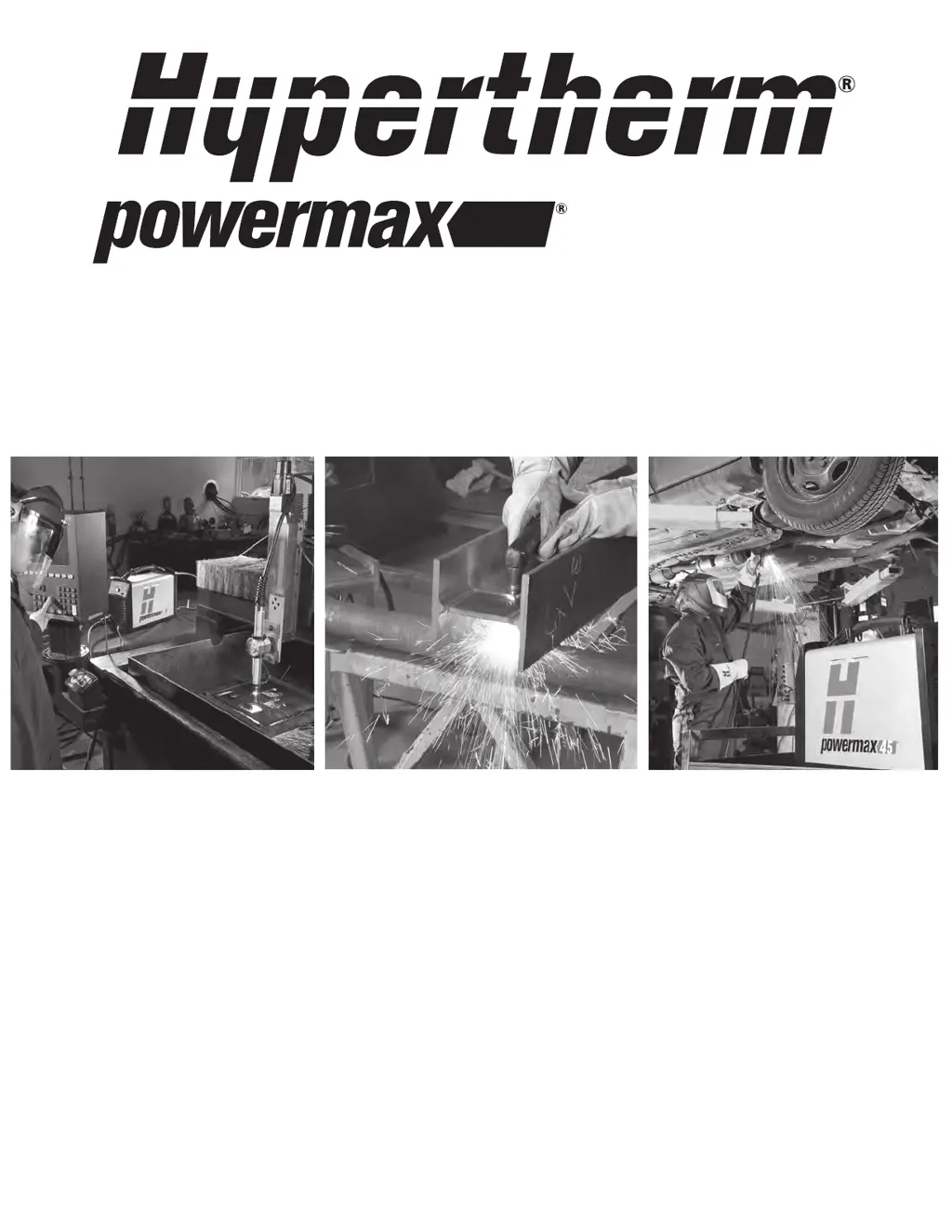
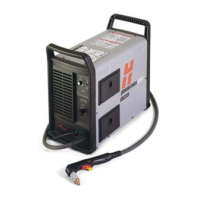
Plasma arc cutting system
Operator Manual – 805780
Revision 2

Table of Contents

Other manuals for Hypertherm POWERMAX 45

Questions and Answers

  • J
    Jason CampbellAug 18, 2025
    What to do if Hypertherm POWERMAX 45 fault LED blinks?
    • T
      Tyler MasonAug 18, 2025
      A blinking fault LED indicates a major issue with the system. A qualified service technician must service the system. Contact your distributor or authorized repair facility.
  • M
    Melody BowersAug 20, 2025
    What to do if Hypertherm POWERMAX 45 Welding System power ON LED is blinking?
    • C
      Christina BriggsAug 20, 2025
      If the power ON LED is blinking, the input line voltage is either too high or too low (a variance greater than ±15% of the rated voltage). Have an electrical technician check the incoming power.
  • R
    Ryan RamirezAug 23, 2025
    What to do if the arc of Hypertherm POWERMAX 45 Welding System sputters and hisses?
    • I
      ihammondAug 23, 2025
      If the arc sputters and hisses, it may be because the gas filter element is contaminated. Replace the element. Also, inspect the gas line for moisture. If necessary, install or repair the gas filtration to the power supply.
  • G
    Garrett RiceAug 26, 2025
    What to do if Hypertherm POWERMAX 45 arc does not transfer to the workpiece?
    • N
      Nicole HillAug 26, 2025
      If the arc does not transfer to the workpiece: * Clean the area where the work clamp contacts the workpiece to ensure a good metal-to-metal connection. * Inspect the work clamp for damage, and repair it if necessary. * The torch-to-work distance may be too large. Move the torch closer to the workpiece and fire the torch again.
  • J
    Jonathan JonesAug 27, 2025
    What to do if Hypertherm POWERMAX 45 cut quality is poor?
    • K
      Karen WarrenAug 27, 2025
      If the cut quality is poor: * Verify that the torch is being used correctly. * Inspect the consumables for wear and replace as necessary.
  • A
    Austin CohenAug 30, 2025
    What to do if Hypertherm Welding System arc blows out and re-ignites?
    • D
      Devin DouglasAug 30, 2025
      If the arc blows out, but re-ignites when the torch trigger is pressed again: * Inspect the consumable parts and replace them if they are worn or damaged. * Replace the gas filter element if it is contaminated.
  • B
    bonnie20Sep 2, 2025
    What to do if Hypertherm Welding System torch cap LED is illuminated?
    • R
      Rachel WilliamsSep 2, 2025
      If the power ON LED is illuminated and the torch cap LED is illuminated: * Turn OFF the power supply. Verify that there are consumables installed. * If you have just installed the consumables, verify that the consumables are only finger-tight. Loosen them 1/8th of a turn and then restart the power supply. * If the consumables appear to be installed correctly, the torch may be damaged. Contact your Hypertherm distributor or authorized repair facility.
  • A
    Angela MillerSep 4, 2025
    What to do if Hypertherm POWERMAX 45 torch cap LED blinks?
    • J
      Juan YoungSep 4, 2025
      If the consumables became loose or were removed while the power supply is ON, turn OFF the power supply, correct the problem and then turn ON the power supply to clear this fault. If the consumables appear to be installed correctly, the torch may be damaged. Contact your Hypertherm distributor or authorized repair facility.
  • E
    Emily EdwardsSep 7, 2025
    What to do if Hypertherm POWERMAX 45 gas pressure LED is illuminated yellow?
    • I
      Isaiah FitzgeraldSep 7, 2025
      If the power ON LED is illuminated and the gas pressure LED is illuminated yellow and is above or below the center of the pressure bar: * Turn the amperage knob to the gas test position, then unlock the pressure regulator by pulling up on the knob. Turn it to adjust the pressure, then push it down to lock it. * Verify that the gas supply line is connected to the power supply and the gas is turned on. * Inspect the gas supply line for leaks and verify the incoming gas pressure.
  • R
    rojaseileenSep 9, 2025
    What to do if Hypertherm POWERMAX 45 Welding System gas pressure bar’s LED and the temperature LED alternately blink?
    • C
      Cody SmithSep 9, 2025
      If the gas pressure bar’s LED and the temperature LED alternately blink when the system is turned on, it may be because the power supply was turned on while the torch trigger is pressed. Release the trigger and restart the power supply.

Summary

Electromagnetic Compatibility (EMC)

EMC Requirements and Installation

Covers the purpose, installation, assessment of potential problems, and environmental factors for EMC.

Emission Reduction Methods

Discusses methods to reduce emissions, focusing on mains supply connection.

Warranty Information

General Terms and Legal Clauses

Details warranty periods, exclusions, legal disclaimers, liability limitations, insurance, transfer rights, and code compliance.

Product Specifications

System Overview and Information Sources

Provides a general description of the Powermax45 and guides users on where to find detailed information.

Power Supply Specifications

Details electrical ratings, dimensions, weights, and operating parameters of the power supply unit.

Torch Specifications and Dimensions

Lists dimensions and performance specifications for T45v and T45m torches.

Safety Marks and Standards

Explains various safety symbols, certifications, and IEC standards applied to the product.

Power Supply Setup

Initial Unpacking and Claims

Guides on unpacking, verifying contents, and handling claims for the power supply unit.

Electrical System Setup

Covers positioning, power requirements, grounding, cord and extension cord recommendations, and generators.

Gas Supply Setup and Filtration

Details preparation, connection, and filtration requirements for the gas supply.

Torch Setup Procedures

Introduction and Consumable Life

Introduces torch options, explains consumable life factors, and guides on hand torch setup.

Hand Torch Setup and Consumables

Details choosing and installing consumables for the T45v handheld torch.

Machine Torch Setup and Connections

Covers mounting, consumables, alignment, and connecting interface cables for the T45m machine torch.

Operating the Powermax45

Controls and Indicators

Explains the front panel controls, LEDs, and gas pressure indicators for system status.

System Operation Steps

Details powering on, setting modes, gas pressure, work clamp, and duty cycle for cutting operations.

Hand Torch Cutting Techniques

Provides instructions and tips for using the hand torch, including cutting techniques, piercing, and gouging.

Machine Torch Operation and Quality

Covers setup, optimizing cut quality, piercing, and troubleshooting machine torch operations.

Maintenance and Repair

Routine Maintenance and Inspection

Outlines regular maintenance tasks, inspection procedures for consumables, and cleaning.

Troubleshooting and Faults

Provides a guide to diagnose and solve common operational problems and fault conditions.

Component Replacement Procedures

Details steps for replacing covers, work leads, and gas filter elements on the power supply.

Parts Identification

Power Supply Components

Lists and identifies parts for the Powermax45 power supply unit.

T45 v Torch Parts and Consumables

Identifies parts and consumables for the T45v handheld torch.

T45 m Torch Parts and Consumables

Identifies parts and consumables for the T45m machine torch.

Accessories and Labels

Lists available accessories, replacement parts, and product labels.

Hypertherm POWERMAX 45 Specifications

General IconGeneral
Output Current45 A
Rated Output45 A
Cutting Thickness12 mm
Severance Thickness19 mm
Cutting MethodPlasma
Gas SupplyCompressed Air or Nitrogen
Torch Lead Length7.6 m

Related product manuals