EasyManua.ls Logo

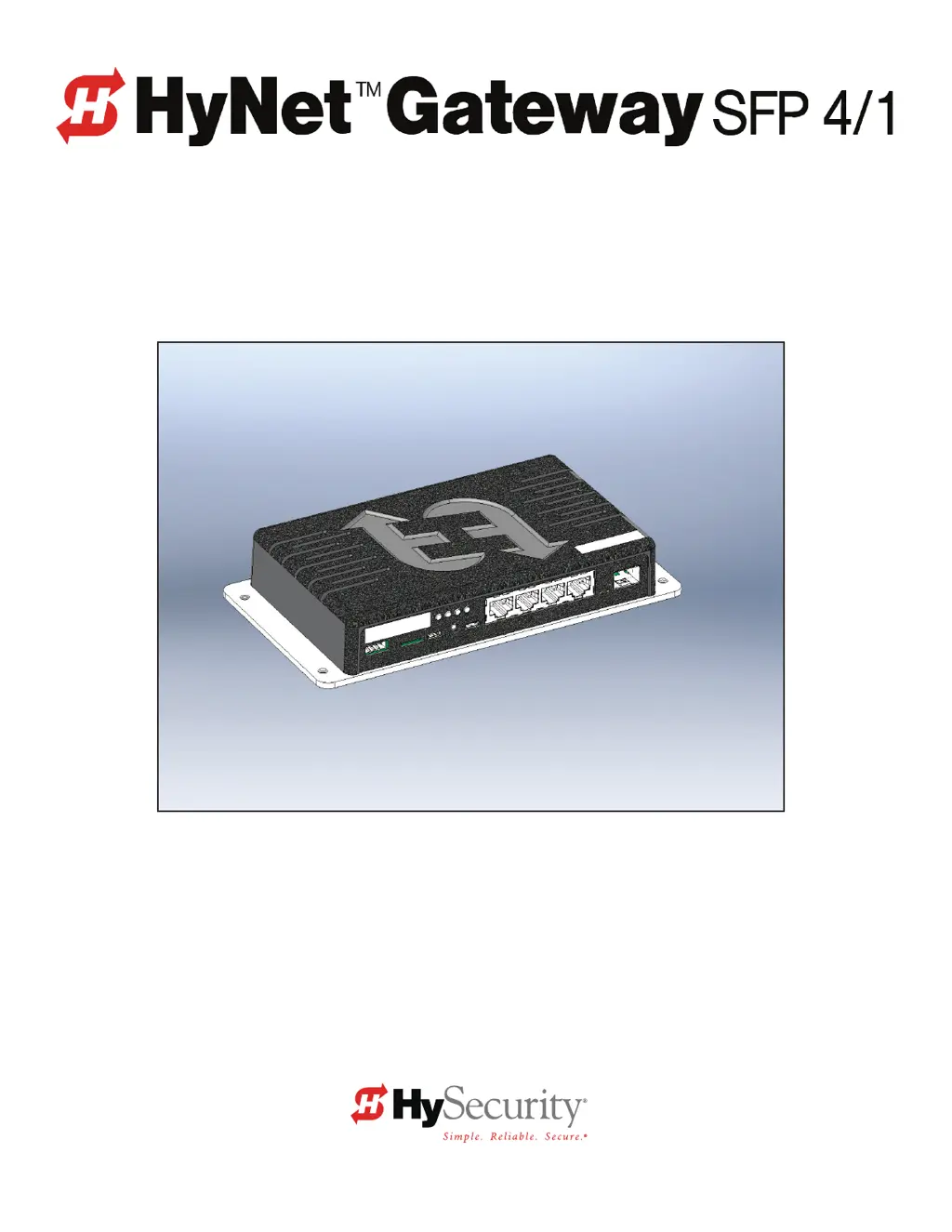
HySecurity HyNet SFP 4/1 - User Manual

Default Icon
8 pages
Print Icon
To Next Page IconTo Next Page
Loading...
Installation Manual
for HyNet Attachment Bracket Kit: MX3866
SwingSmart DC 20 and SwingSmart DCS 20
SlideSmart DC 15 and SlideSmart DCS 15
SlideSmart DC 10F and SlideSmart DCS 10F
This document is a supplemental document that provides specic information regarding
conguration of the HySecurity gate operator with installation and wiring of the HyNet Gateway.
For safety considerations and information specic to your gate operator, refer to the HySecurity
gate operator product manuals.
www.SecureOpeners.com | (800) 878-7829 | Sales@SecureOpeners.com

Questions and Answers

  • H
    Hannah SmithAug 14, 2025
    Why is there a communication failure between master and slave in HySecurity Gate Opener?
    • S
      Stephanie HenryAug 14, 2025
      In a dual gate setup, communication issues between the master and slave units can arise from several factors. Ensure the master/slave communication cable is correctly installed and that each operator is properly configured via the Installer Menu, with one set as Master and the other as Slave. Ground each operator according to NEC/NFPA standards and use a separate conduit for communication cables, avoiding high-voltage AC power. Verify AC power is present at both operators and all power switches are ON. Also, check that both operators are running the same software version, which you can view by pressing RESET.
  • B
    Brent PerezAug 18, 2025
    What to do if there are motor wiring issues in HySecurity Gate Opener?
    • H
      Heather BrownAug 18, 2025
      If your HySecurity Gate Opener isn't working due to motor wiring issues, first check the DC motor wires to ensure they are connected. Next, verify that the DC power switch is turned on. Finally, press the RESET button to clear the fault.
  • M
    Mrs. Angel PatelAug 20, 2025
    What causes internal communication error in HySecurity HyNet SFP 4/1?
    • G
      gfosterAug 21, 2025
      If the Smart DC Controller in your HySecurity Gate Opener detects an internal communications error, it could be due to excessive electrical noise, a lack of earth grounding, or an internal problem with the controller. Try to identify and fix the source of electrical noise. Install a ground rod, and if the issue persists, consider replacing the Smart DC Controller.
  • N
    Nathan JordanAug 25, 2025
    How to fix target magnet on chain missing in HySecurity HyNet SFP 4/1?
    • M
      millerjonathanAug 25, 2025
      If the target magnet on the chain of your HySecurity Gate Opener is missing or not being detected, ensure the target is properly fastened to the chain. Check the target sensor to confirm it's reading the magnet. If the sensor or its wires are damaged, replace the sensor.
  • B
    Bryce FisherAug 28, 2025
    What happens if HySecurity HyNet SFP 4/1 motor overheats?
    • C
      Christopher WuAug 28, 2025
      If your HySecurity Gate Opener's motor drive heat sink exceeds a temperature of 210°F, the operator will temporarily disable itself. It will automatically reset once it cools down.
  • L
    Linda StewartAug 31, 2025
    What to do if HySecurity HyNet SFP 4/1 has gate hardware issues?
    • M
      Mrs. Beth ReynoldsAug 31, 2025
      If your HySecurity Gate Opener is experiencing issues due to gate hardware, inspect and correct any problems with the gate hardware as needed. This can also be caused by ice or snow buildup.
  • M
    maria81Sep 3, 2025
    Why HySecurity HyNet SFP 4/1 batteries are drained?
    • T
      tpriceSep 3, 2025
      If your HySecurity Gate Opener's batteries are drained because AC power has been off for too long, check the condition of the batteries.
  • T
    Tammy EvansSep 7, 2025
    What to do if HySecurity HyNet SFP 4/1 battery voltage is low?
    • G
      gregorykyleSep 7, 2025
      If your HySecurity Gate Opener's battery voltage has dropped below 22V, check the condition of the battery.
  • A
    Antonio LopezSep 10, 2025
    How to restore AC power to HySecurity HyNet SFP 4/1 Gate Opener?
    • J
      Jacob ToddSep 10, 2025
      If your HySecurity Gate Opener has no AC power, turn on the AC power switch or connect the power to the operator. Reset the operator circuit breaker or connect power to the AC switch. Reset the circuit breaker at the electrical panel. If problems persist, have a licensed electrician check the wiring.

HySecurity HyNet SFP 4/1 Specifications

General IconGeneral
Number of Outputs4
Communication ProtocolHyNet
Enclosure RatingNEMA 4X
ModelSFP 4/1
Input Voltage24 VDC
PortsRJ45
Operating Temperature-40°C to 70°C
Relay Outputs4

Related product manuals