EasyManua.ls Logo

HySecurity StrongArmPark DC 14 - User Manual

Default Icon
82 pages
Print Icon
To Next Page IconTo Next Page
Loading...
Programming and Operations Manual
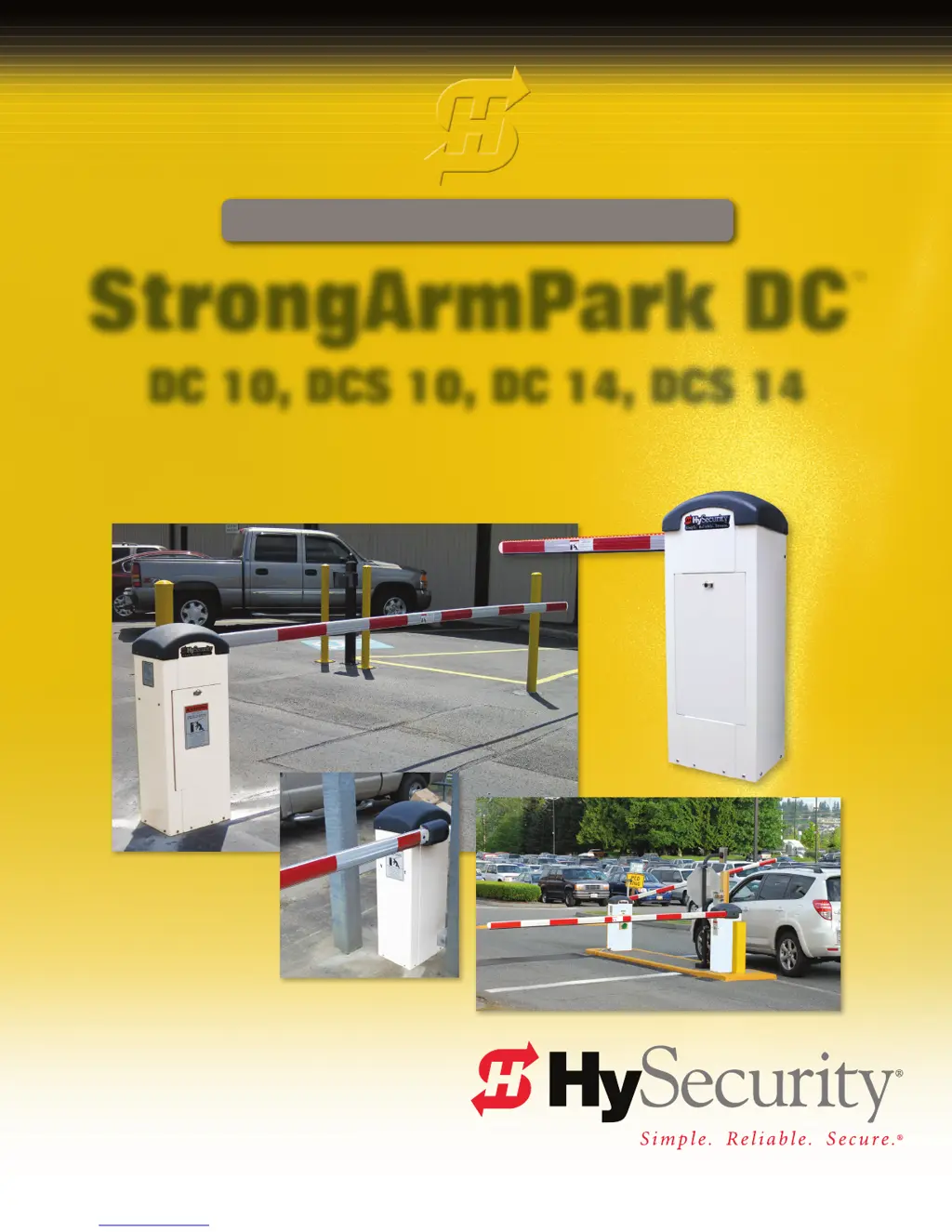
StrongArmPark DC
DC 10, DCS 10, DC 14, DCS 14
Pad-mounted electromechanical barrier arm operator with
Smart DC Controller
800-321-9947 • www.hysecurity.com

Table of Contents

Questions and Answers

  • J
    Julian MartinAug 8, 2025
    What to do if my HySecurity StrongArmPark DC 14 Gate Opener has no AC power?
    • D
      Dawn CurtisAug 8, 2025
      If your HySecurity Gate Opener has no AC power, a licensed electrician should check the wiring and connect AC power to the operator. Also, reset the circuit breaker at the electrical panel and the operator's circuit breaker, and ensure the AC power switch is turned on. The problem may be that the AC power is shut off at the source (breaker) or is not connected, the AC power switch on the operator is turned off, or the circuit breaker on the operator has tripped.
  • J
    Jasmine HartmanAug 16, 2025
    What to do if my HySecurity StrongArmPark DC 14 Gate Opener shows a low 24VDC?
    • D
      David RitterAug 16, 2025
      Low 24VDC in your HySecurity Gate Opener means the battery voltage has dropped below 22 Volts. First, check for 'No AC Power'. Then, inspect all wiring connections, cleaning or repairing them as needed. Finally, check the battery condition, charger voltage, SDC, and transformer, replacing any components if necessary. This issue occurs when the battery voltage has dropped significantly.
  • L
    lhartAug 23, 2025
    What to do if my HySecurity Gate Opener is in entrapment mode?
    • S
      Scott YatesAug 23, 2025
      If your HySecurity Gate Opener is in entrapment mode, first remove any obstruction. Then, correct the gate hardware. If high winds are a factor, you can temporarily remove the arm. This mode can be triggered by barrier arm binding or wind causing a false alert.
  • R
    Rachel JenkinsAug 31, 2025
    Why is my HySecurity Gate Opener in safe mode?
    • T
      Thomas WhiteAug 31, 2025
      If your HySecurity Gate Opener is in safe mode, first remove any obstruction. Next, correct the gate hardware. If you have a StrongArmPark DC14, adjust the spring tension. This issue can occur due to a spring that is too tight on the DC14, hardware binding, or wind causing a false alert.

Summary

StrongArmPark DC Programming and Operations Manual

Welcome to HySecurity

Contact Information

HySecurity contact details and support information for distributors and technical assistance.

IMPORTANT SAFETY INFORMATION

Safety Guidelines and Responsibilities

Key safety warnings, precautions, installer, and owner responsibilities.

Power System Installation

Installing the Earth Ground

Procedure for installing earth ground for electrical safety and equipment protection.

Wiring AC and DC Power

Detailed instructions for wiring AC power (115/208/230V) and DC power.

Display and Menu Operations

Initial Setup and Navigation

Steps for initial setup, understanding the display, keypad, and menu navigation.

SDC Inputs, Wiring, and Accessories

Controller Overview and Wiring

Smart DC Controller overview, inputs, wiring, and accessory connections.

Vehicle Detectors and Photo Eyes

Installation and configuration procedures for vehicle detectors and photo eyes.

Troubleshooting System Malfunctions

System Diagnostic Messages and Codes

Identifying and resolving system malfunctions using diagnostic messages and troubleshooting codes.

General Maintenance

S.T.A.R.T. Software and Component Maintenance

Using S.T.A.R.T. software, electrical controls, battery, fuse, and drive belt maintenance.

Reference Information

Handing Change and Loop Layouts

Instructions for handing change, lever assembly, and vehicle loop layout diagrams.

Limited Warranty

Specifications

HySecurity StrongArmPark DC 14 Specifications

General IconGeneral
Cycle RateUp to 100 cycles per hour
Motor TypeDC motor
Warranty5 years
Max Gate Weight1400 lbs
Max Gate Length20 ft
Duty CycleContinuous
Safety FeaturesObstruction Sensing

Related product manuals