3
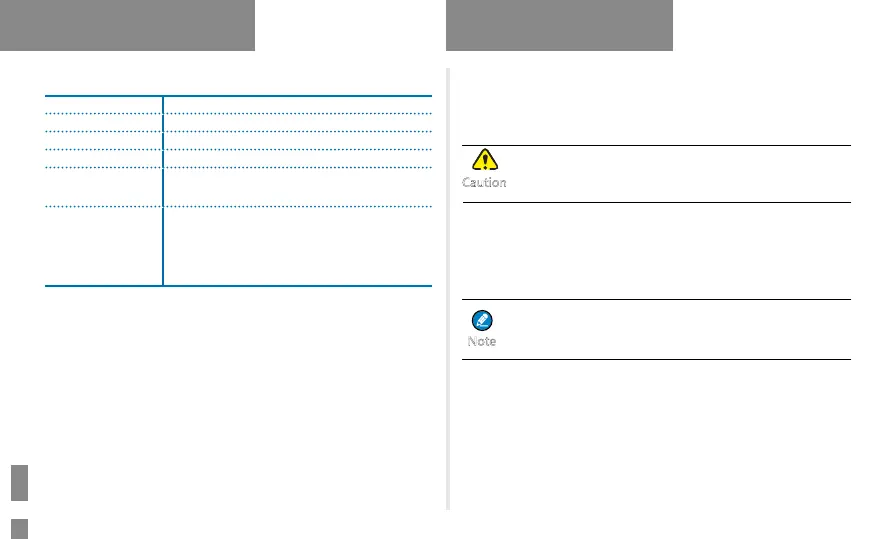
LED Indication
LED Indicator Radio Status
Flashes green Being turned on.
Glows green Receiving.
Glows red Transmitting.
Flashes orange
slowly
Scanning.
Glows orange
Call hang time: No voice is being transmitted
or received on the channel during a call.
Within such a period, you can hold down the
PTT key to speak.
Before Use
Attaching the Antenna
1. Place the antenna in its receptacle.
2. Rotate the antenna clockwise.
Do not hold the radio by its antenna; otherwise, the
radio performance may be reduced and the life span of
the antenna may be shortened.
Attaching the Battery
1. Insert the top end of the battery into the top of the battery slot.
2. Press the bottom end of the battery until the latch snaps into place.
To remove the battery, make sure that the radio is turned
off, and then slide the battery latch upwards to unlock
the battery.
Attaching the Belt Clip
1. Unfasten the two screws on the back of the radio.
2. Align the screw holes on the belt clip with those on the back of the
radio.
3. Tighten the screws.
Product Overview
Caution
Note



 To Next Page