Debugging User Manual
38
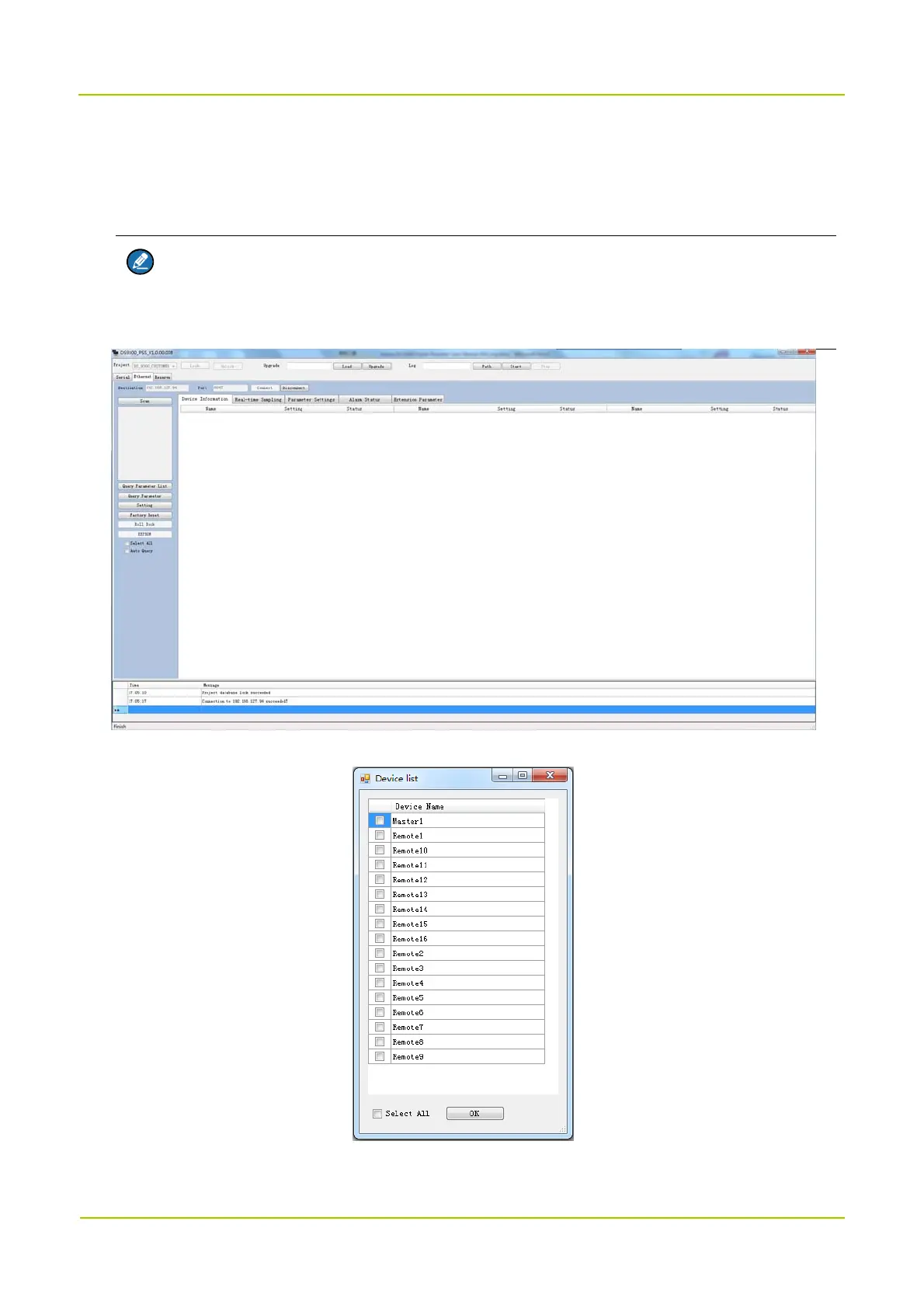
2. Click Project, select DS_9300_CUSTOMER and click Lock. A message indicating locking database
succeeded will appear in the message pane.
3. Select Ethernet tab, set the Destination and Port and click Connect.
Note
For debugging through the serial cable, select the Serial tab, set the Serial and Baudrate
(115200) and click Connect.
4. Click Scan and the following window appears.
5. Select devices you want to display on the PSS and click OK.



 To Next Page