User Manual Debugging
39
6.2.1
Querying Parameters
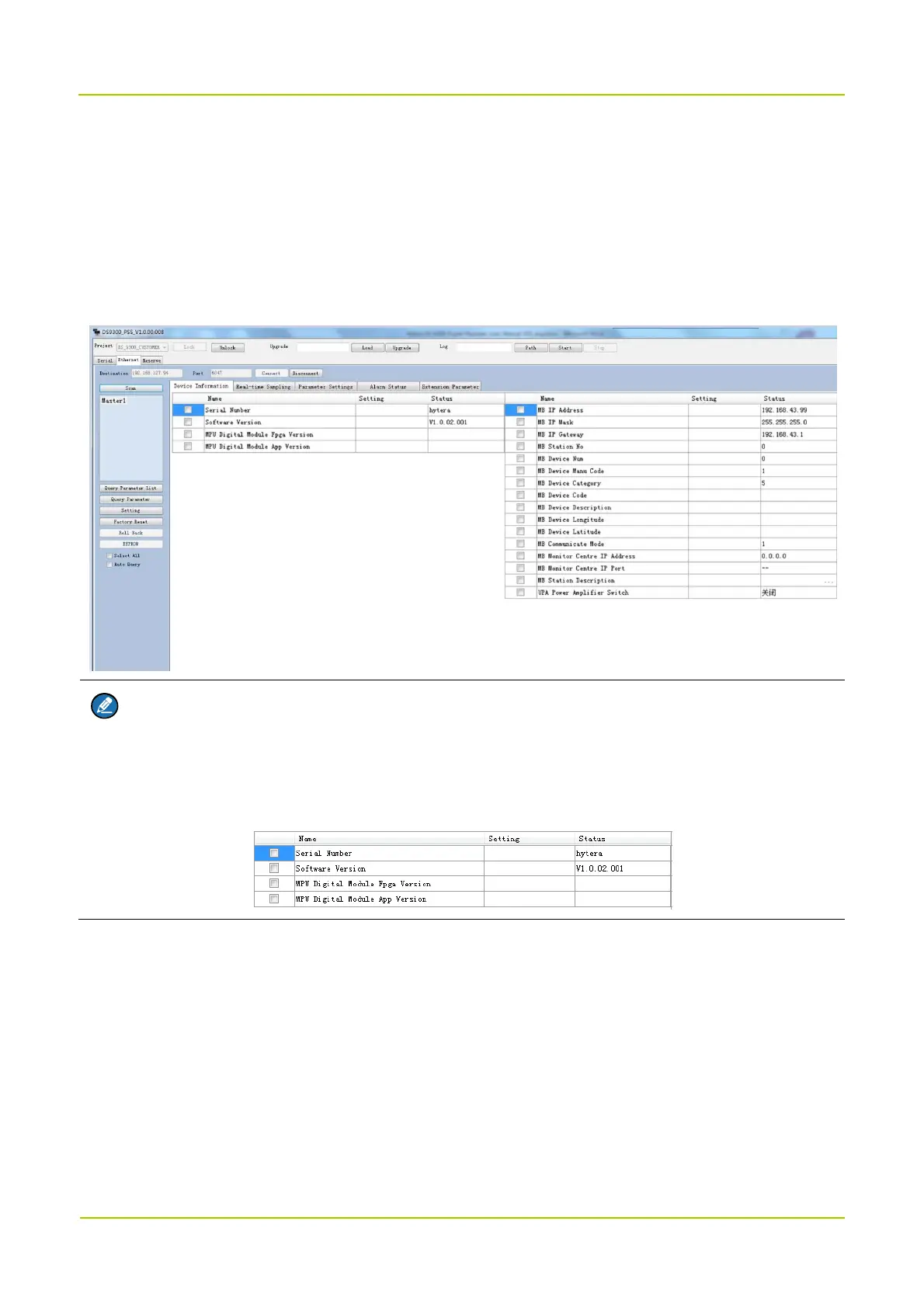
To manually query parameters of the selected device, click Query Parameter.
If you click Auto Query, PSS will query all the parameters of the selected device every two seconds.
In the Scan list, click on the device and check Select All. Click Query Parameter, the parameter values
will be displayed in Status.
Note
To query a specific parameter, check the parameter name and click Query Parameter.
To query all parameters on the line, click the blank tab above the checkbox as shown in the figure
below.
6.2.2
Setting Parameters
1. In the parameter list, click the blank space under Setting tab from the same row the parameter locates
(the parameter is thus checked by default), enter or select a value. For the detail description of each
parameter, see chapter Appendix: Parameters.
a. (Optional for channel-selective devices) Select
Parameter Settings
tab, and turn on the channel
switch of the current BS, then set the corresponding uplink and downlink working channel frequencies.
Other spare channel switches need to be turned off.



 To Next Page