Step 5 Click OK.
Step 6 Choose the key pack and click .
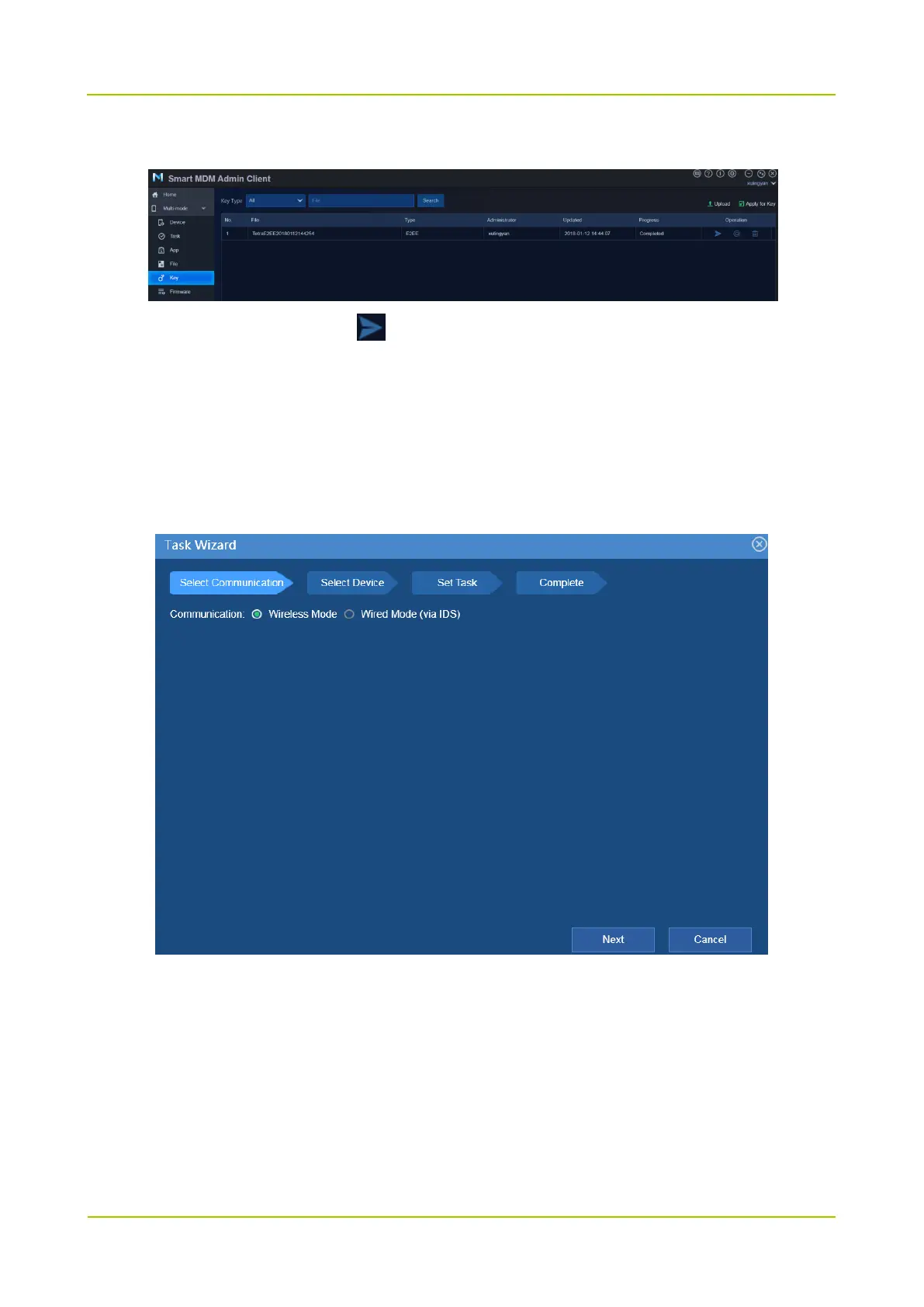
Step 7 Confirm the communication type and click Next.
Wireless Mode: the radio connects to Smart MDM via WLAN or LTE.
Wired Mode: the data is transmitted through IDS. The radio connects to Smart MDM (IDS) via
programming cable.
For wired mode, you need to choose the connected IDS.
Step 8 Choose a radio and click Next.



 To Next Page
 Loading...






