EasyManua.ls Logo

Hytera PDC7 Series - 8. Appendix; 8.1 Radio Management by Smart MDM Lite; 8.1.1 Resource Preparation; 8.1.1.2 Software Installation

Hytera PDC7 Series
121 pages
Print Icon
To Next Page IconTo Next Page
To Previous Page IconTo Previous Page
Loading...
Appendix
Configuration Guide
104
8. Appendix
8.1 Radio Management by Smart MDM Lite
8.1.1 Resource Preparation
8.1.1.1 Preparations
Items
Description
Smart MDM Lite Installation
Package
Please contact the dealer to obtain the installation package in V2.0.16.000.
Programming Cable
Please contact the dealer to obtain the PC93 programming cable.
8.1.1.2 Software Installation
Refer to Smart MDM Lite_Installation and Configuration Guide to finish the installation and configuration of
Smart MDM Lite.
8.1.1.3 Connect Radio
Step 1 Connect radio to PC via programming cable.
Step 2 Start Smart MDM Lite.
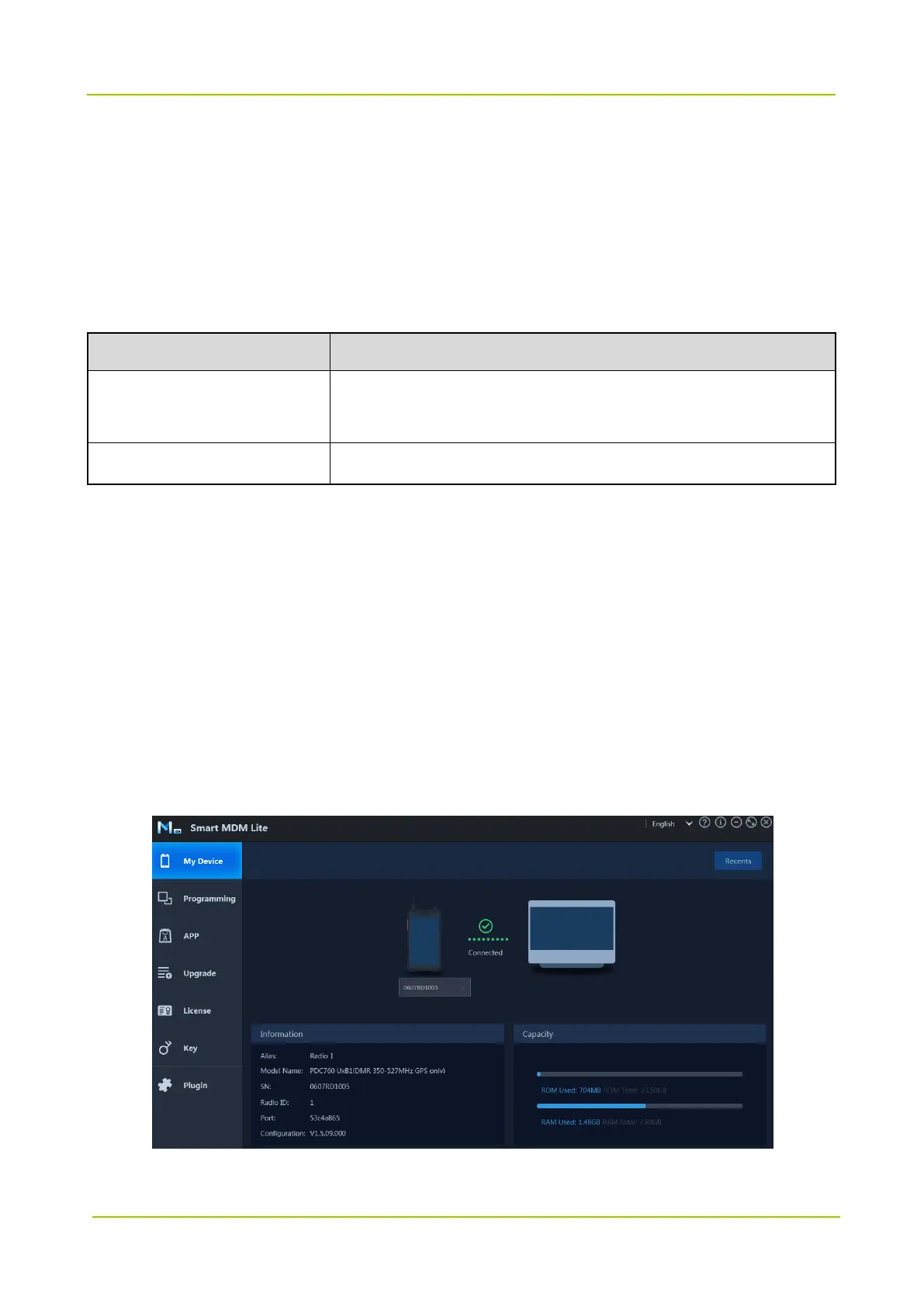
Step 3 Click My Device to view the radio information.
The page shows the connection status, basic information and storage capacity of the radio.


Related product manuals