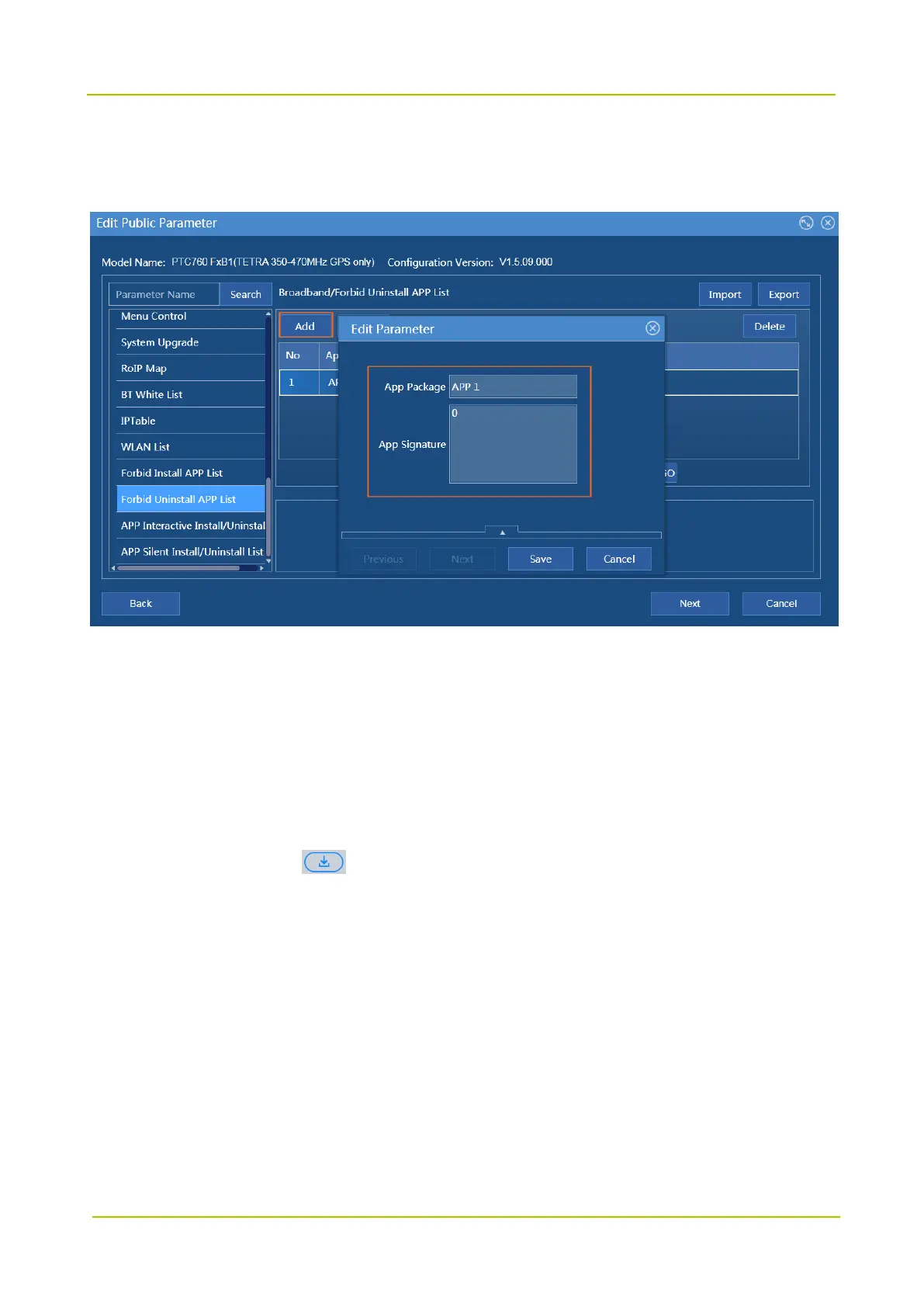
Forbid Uninstall APP List
Path: Broadband -> Forbid Uninstall APP List -> App Package, App Signature
5.3.2 Install App
Step 1 Power on the radio.
Step 2 Open App Store and choose App Store or Messages.
App Store shows the latest apps; Messages show the messages pushed by Smart MDM.
Step 3 Select the app and tap .
The radio shows “Already added to the list”. You can choose Download -> Downloading to view the
downloading status.
The radio automatically installs the app after downloading, and you can choose Download -> Installed
to view the installed app.
5.3.3 Uninstall App
By App Store
Step 1 Power on the radio.
Step 2 Open App Store and choose Download -> Installed to view the installed app.



 To Next Page
 Loading...






