5.2.2 Upload App
Step 1 Start Smart MDM Admin Client.
Step 2 Use the account of administrator to log in to Admin Client.
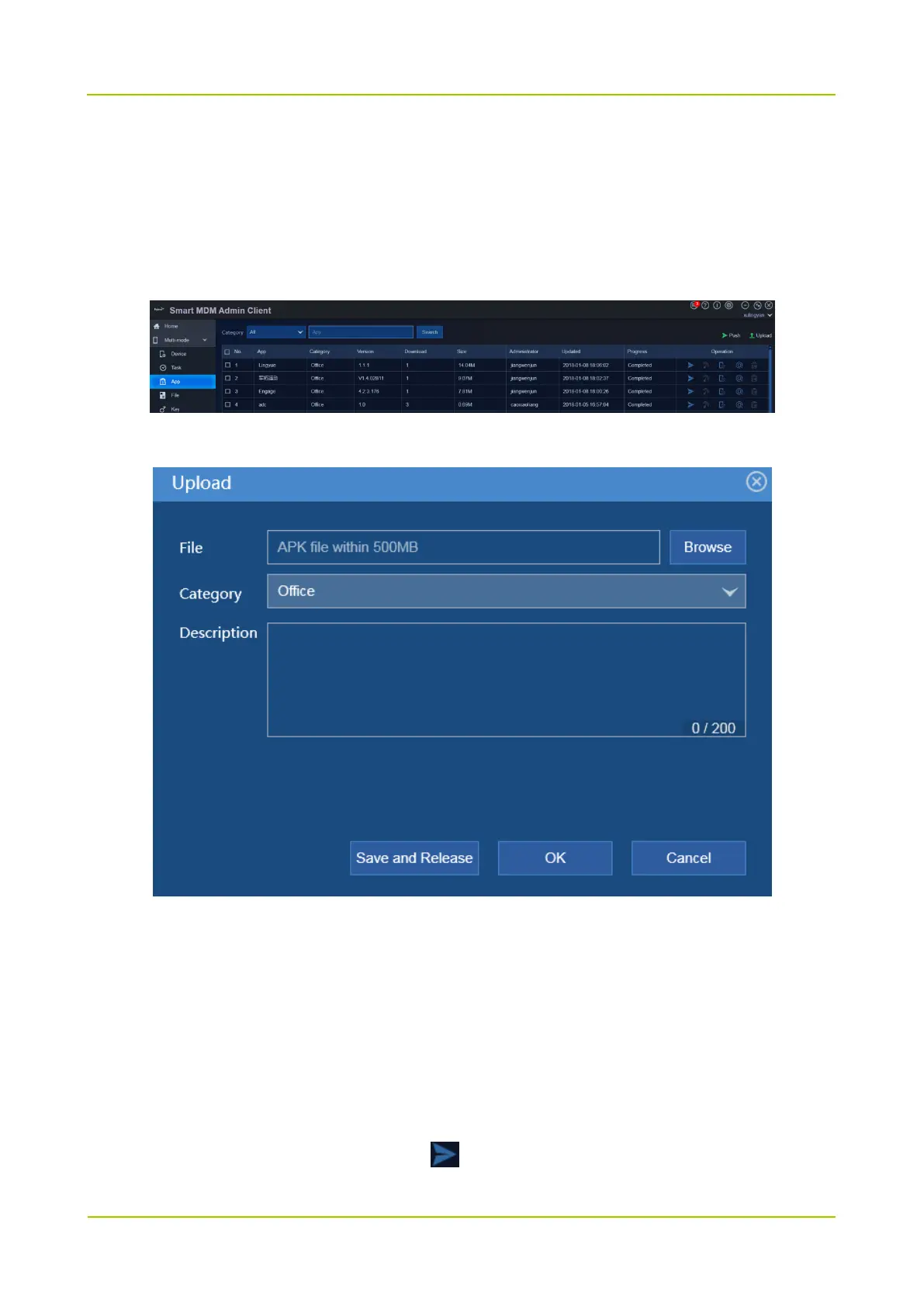
Step 3 Choose Multi-mode -> App.
Step 4 Click Upload.
Step 5 Click Browse to upload the app file.
Step 6 Click Save and Release to release the app.
The administrator can push the released app to radio. Radio user can view and install the released app
through App Store.
5.2.3 Install App
Step 1 In App page, choose an app file and click .



 To Next Page
 Loading...






