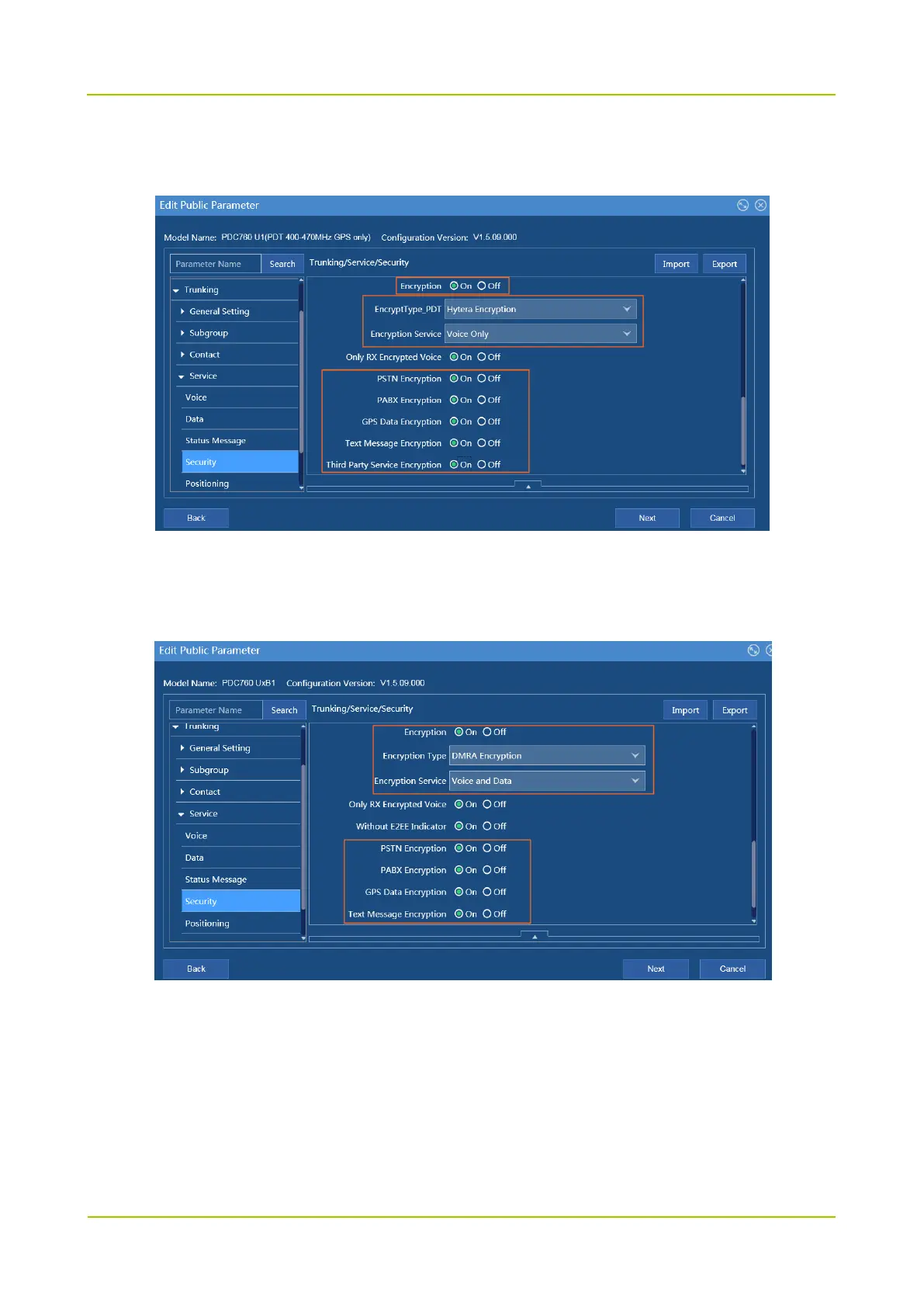
Encryption Service, PSTN Encryption, PABX Encryption, GPS Data Encryption, Text Message
Encryption, Third Party Service Encryption
Path (DMR radios): Trunking -> Service -> Security -> Encryption -> Encryption, EncryptType, Encryption
Service, PSTN Encryption, PABX Encryption, GPS Data Encryption, Text Message Encryption, Third
Party Service Encryption
Hardware Encryption (for PDT radios only)
To use this feature, you need to complete the following configurations.
Authorize E2EE to radio through Smart MDM
Configure E2EE through Smart MDM
Insert the encryption card into the radio



 To Next Page
 Loading...






