50
messages, or notifications.
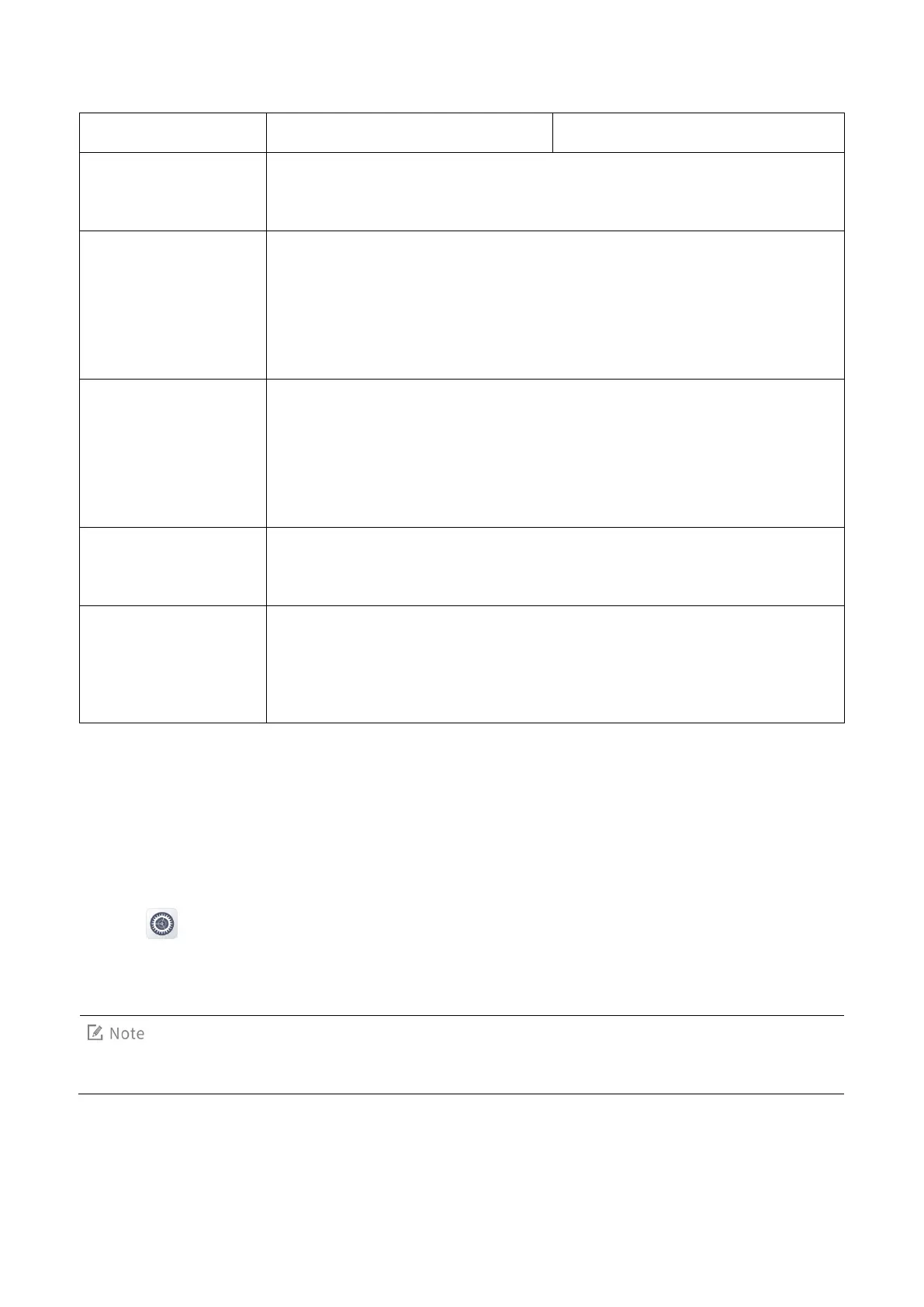
Volume
You can drag the volume sliders to adjust the volume of ring, media, alarm,
and call.
Ringtone
1.
With Ringtone enabled, the radio emits an alert tone when receiving,
queuing in, or ending a call.
2.
You can set the tone for call services. Options include Broadband,
Narrowband, and Vibrations.
Message tone
1.
With Message tone enabled, the radio emits an alert tone when receiving
a message or failing to send the message.
2.
You can set the tone for message services. Options include Broadband,
Narrowband, and Vibrations.
Notification tone
The radio emits an alert tone when receiving a notification. Options include
Broadband and Vibrations.
Mobile service tone
1.
With Mobile service tone enabled, the radio emits an alert tone when
registering.
2.
You can set the alert tone type.
7.2.2 VOX Mode
The Voice Operated Transmit (VOX) feature allows you to speak without pressing and holding the PTT key.
The radio automatically transmits voice when the volume reaches the preset level.
To enable or disable this feature, do as follows:
1.
Tap
.
2.
Under the Device pane, tap Sounds.
3.
Tap VOX.
This feature is configured by your dealer.
7.2.3 Three-band Equalizer
The Three-band Equalizer feature allows the radio to balance frequency components of the audio signal


 To Next Page