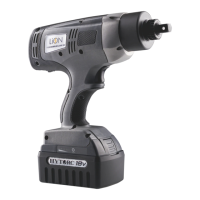
Initialize Basic Bolting
L10
Press the Direction Switch to set Tool direction.
Set Speed Switch to TORQUE or RUNDOWN.
Secure the back nut, if necessary, to prevent from turning during torque operation.
For conventional bolting, brace reaction arm firmly against anchor point.
Place socket over nut until firmly engaged. If using the HYTORC Washer or
HYTORC Nut, make sure the driver properly engages the fastener.



 To Next Page
 Loading...