LITHIUM SERIES® II ELECTRIC TORQUE TOOL ICON REFERENCE GUIDE
7
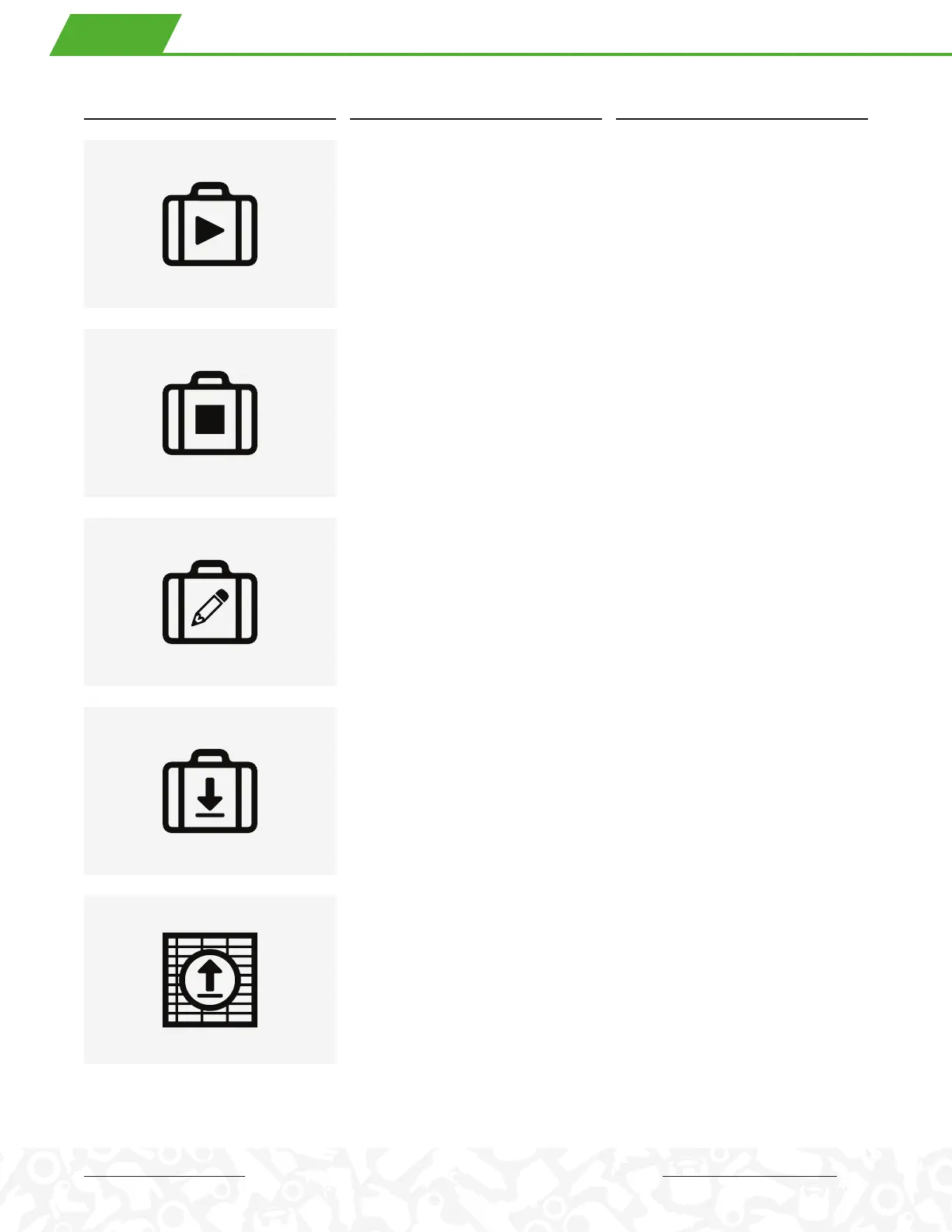
Start Job
1. 开始工单
2. 作業開始
3. Schraubprogramm starten
4. Avvia lavoro
5. Commencer le travail
6. Iniciar trabajo
Start Job allows the user to select a Job
ID and begin recording data under that
Job ID. Appears only if no job is active.
End Job
1. 结束工单
2. 作業終了
3. Schraubprogramm beenden
4. Fine lavoro
5. Fin du travail
6. Finalizar trabajo
End Job ends data recording for the
currently active Job ID and allows the
user to start another job if desired.
Appears only if a job is currently active.
Create Job ID
1. 创建工单ID
2. 作業ID作成
3. Schraubprogramm benennen
4. Crea un ID lavoro
5. Créer un identifiant de travail
6. Crear numero de trabajo
Create Job ID allows the user to create a
1-to-8 character alphanumeric Job ID for a
particular job.
Import Job IDs
1. 导入作业I D
2. 作 業 I Dインポート
3. Schraubprogramm laden
4. Importare ID lavoro
5. Importer le travail ID
6. Importar numero de trabajo
Import Job IDs allows the user to load
one or more Job IDs from a PC via
Bluetooth connection or USB cable.
Export Jobs
1. 导出工作
2. 作業データー出力
3. Aufträge Exportieren
4. Esportare I Processi
5. Exporter des tâches
6. Exportar trabajos
Export Jobs allows the user to select a
Job ID, generate a file containing records
for that Job ID, and export the file via USB
cable to a PC.
ICON MEANING DESCRIPTION
. JOBS


 To Next Page
 Loading...