16
17
FIRST SET-UP
2.2. SETTING UP THE I LOCK IT APP
Once fully charged, you can connect your I LOCK IT GPS to
your smartphone.
The following steps can only be performed when
setting up a smartphone for the first time. If you
want to set up another smartphone or a key fob
+
,
please follow the steps in chapter 3.6.
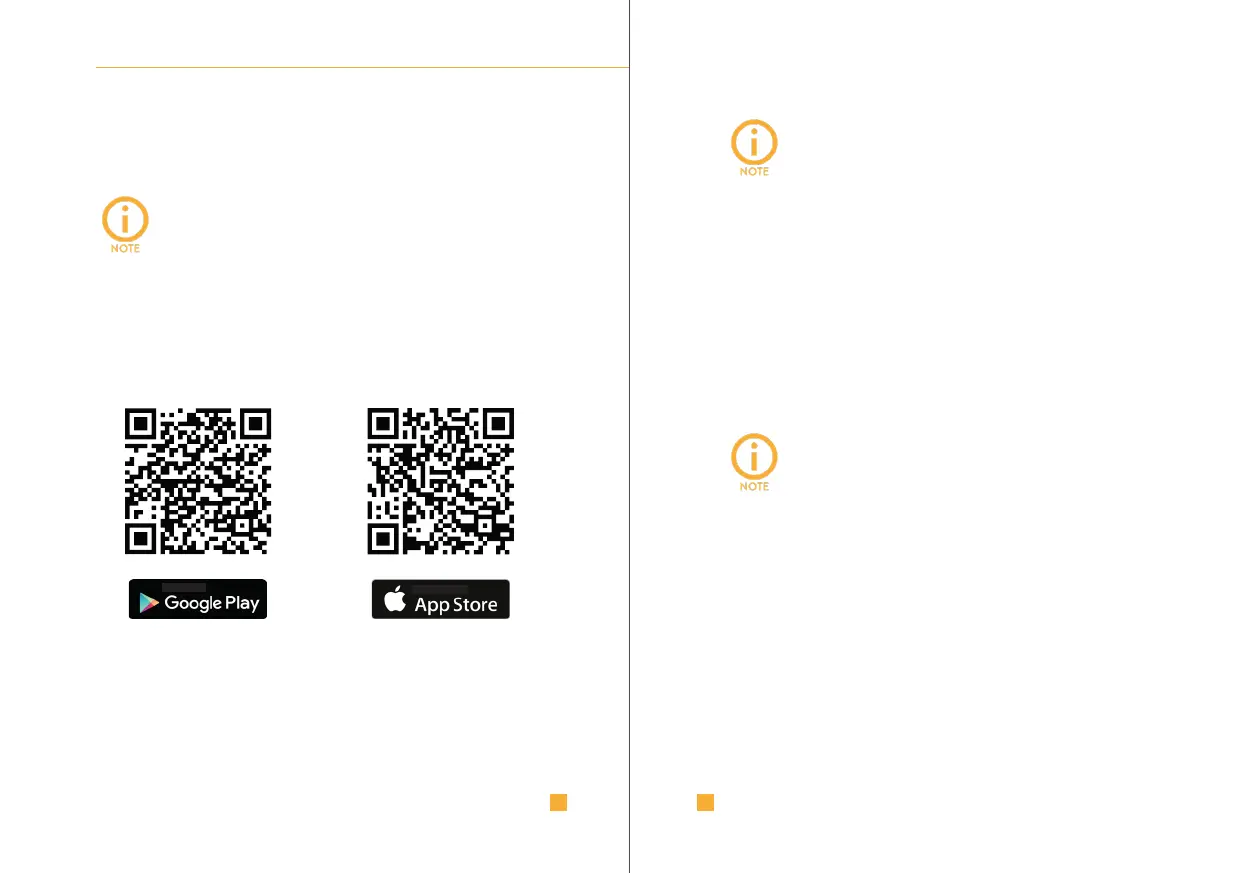
I. Download the I LOCK IT app:
FIRST SET-UP
The Bluetooth functionality of your
smartphone must be activated before
starting the I LOCK IT app.
II. Install and start the I LOCK IT app on your smartphone.
III. Register in the I LOCK IT app and activate your account.
IV. Log in with your account.
V. Follow the further instructions in the app for setting up your
I LOCK IT GPS.
Initial setup of a smartphone is only possible when
I LOCK IT GPS is in setup mode. This is indicated
by a flashing blue button. Follow the instructions in
the app to put I LOCK IT GPS into setup mode.



 To Next Page