IBERITAL DE RECAMBIOS, S.A.
MANUAL NEW IBERITALINGLES
11/05/2007
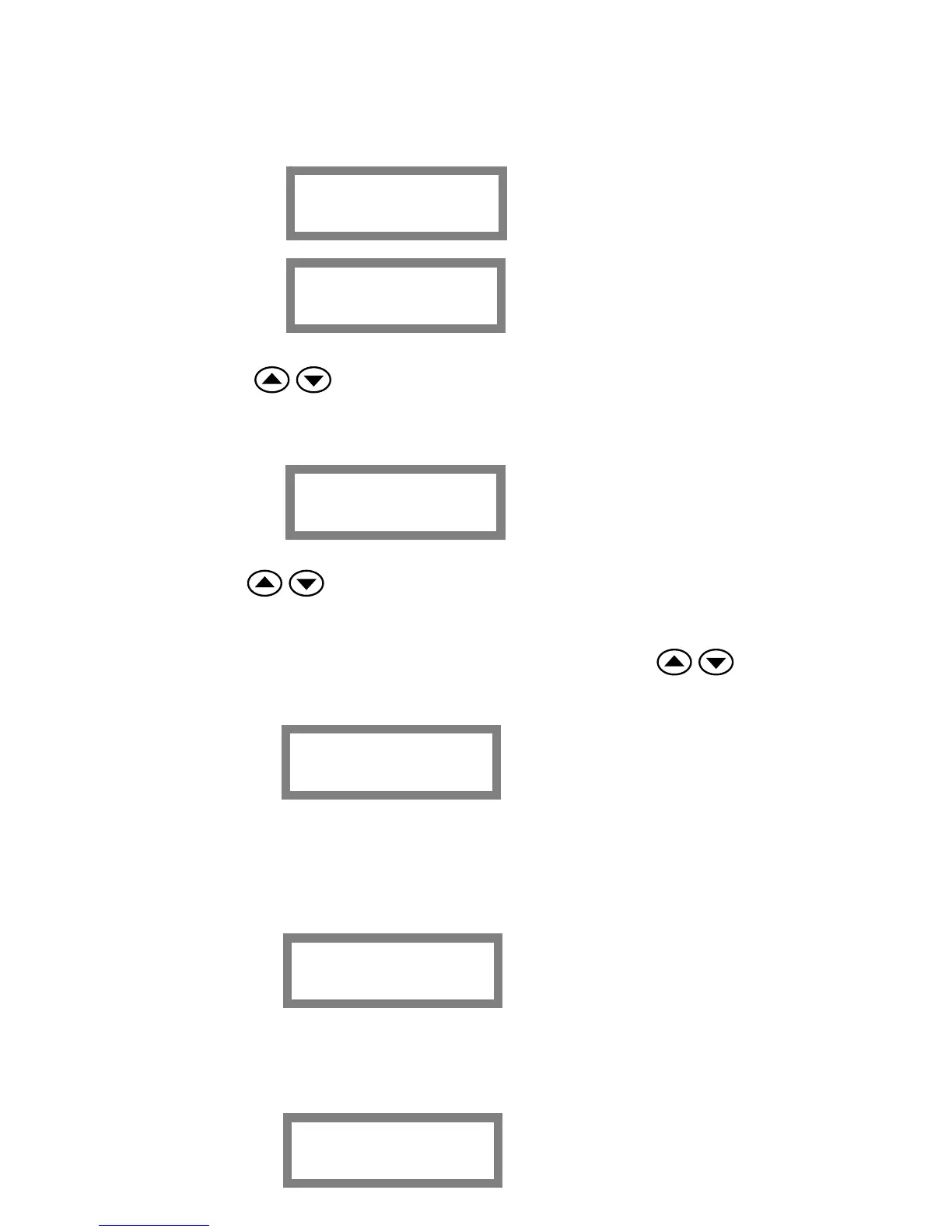
Clock adjust
Auto On/Off
AAA:hh.mm
AAA: ON
OFF
hh: Tour ON / OFF
mm: Minutes ON / OFF
Counters
Press the buttons to adjust HOUR and confirm with the OK button, then adjust the
MINUTES and the DAY. After confirming the DAY, you will enter automatically in the
adjustment of the AUTO ON / OFF WEEKLY program:
Press the buttons to adjust HOUR and confirming pressing the OK button, same
with the MINUTES, the OFF time, and the CLOSE ON AY. After the last confirmation you
will enter in the next menu option:
IMPORTANT: In order to name this option disable, select with the buttons a dash
(--) in any option ON-TIME (hh. mm), OFF TIME and the CLOSE ON DAY.
In this option we can read all the coffees mode and the liters of water wasted.
HH.MM.xxxxxxx
HH: Hour
MM: Minutes
xxxxxxx: Week day
Liters
xxxxxx
Press the OK button to enter and the display will show:
Showing the number of liters of water wasted until now.
Press the MENU button and the display will show:
Service
xxxxxx
Página 13 de 30


 To Next Page