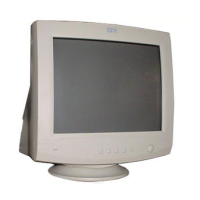
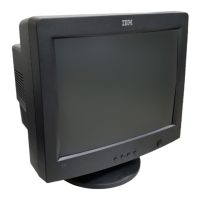
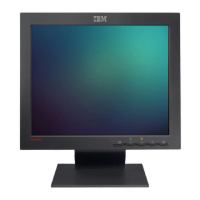
Power On/Off Button
This Button is used to turn the power On or Off.
Power Indicator
The power indicator lights when the power is On, and indicates
the operating status of the display.
Contrast
Adjust the display to the contrast desired. Move the thumbwheel
located beneath this indicator to increase or decrease the display
contrast.
Brightness
Used to adjust the brightness of the screen. Move the
thumbwheel located beneath this indicator to increase or
decrease the display brightness.
Image Control Panel
Image Selection and Adjustment buttons
Use either the or button to select the icons which you wish to
adjust and display.
-/+ buttons
Used to set digital values for each of the select on screen control
item by pressing + button for increment or - button for decrement.
A7



 To Next Page