A4
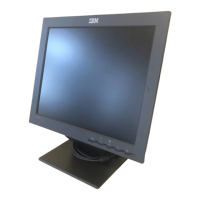
Tilt/Swivel Base
Turn Off the equipment and all attached options.
Carefully set the monitor face-down with the underside facing you.
Installation
1. Align the hooks on the tilt/swivel stand with the matching slots in
the base of the monitor.
2. Insert the hooks into slots.
3. Slide the tilt/swivel stand toward the front of the monitor until the
latches click into the locked position.
3828TUO032A-1 99.5.31 1:34 PM ˘`A4



 To Next Page