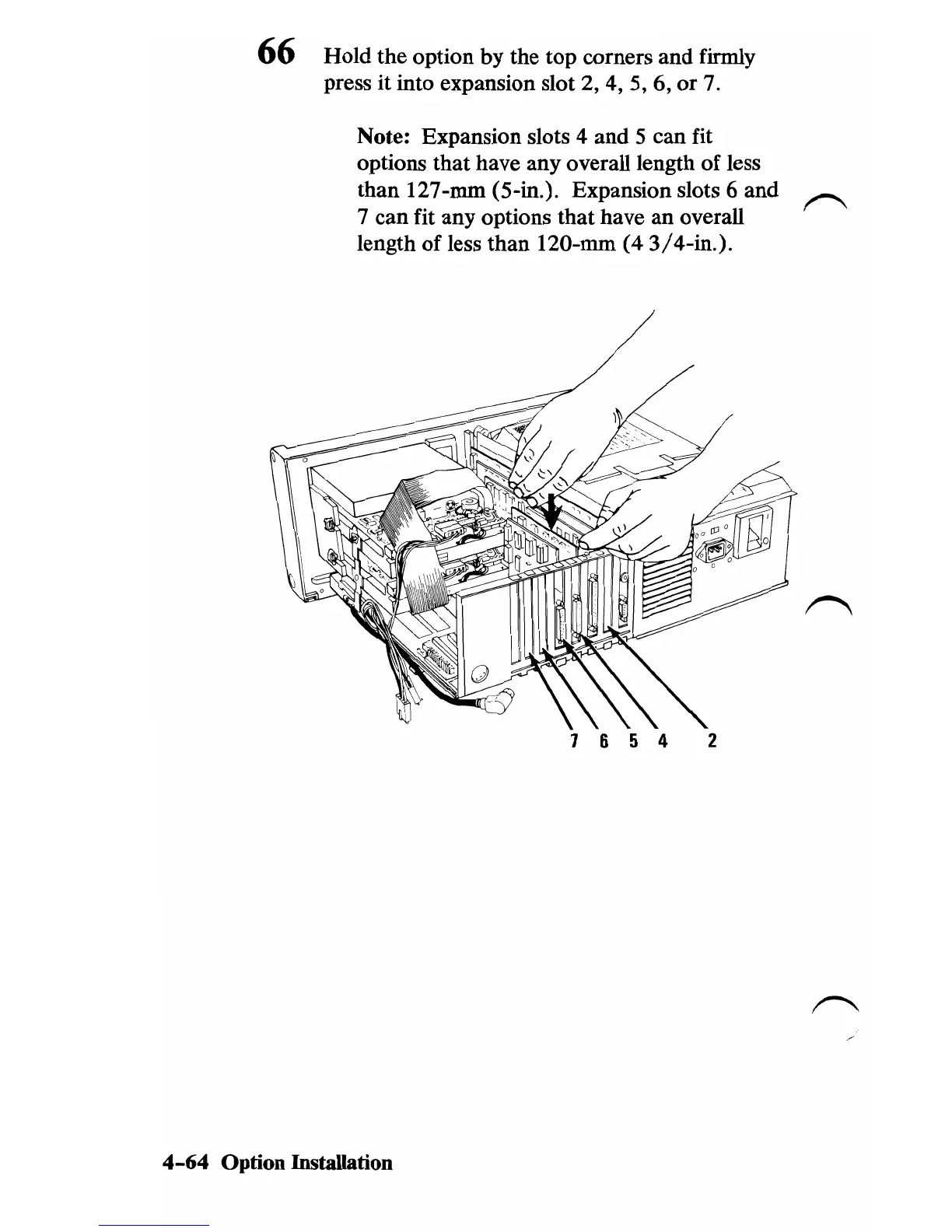
66 Hold the option by the top corners and firmly
press it into expansion slot 2, 4, 5, 6, or
7.
Note: Expansion slots 4 and 5 can fit
options that have any overall length of less
than 127-mm (5-in.). Expansion slots 6 and
7 can fit any options that have an overall
length
of
less than 120-mm (4 3/4-in.).
7 6
542
4-64
Option Installation









 To Next Page