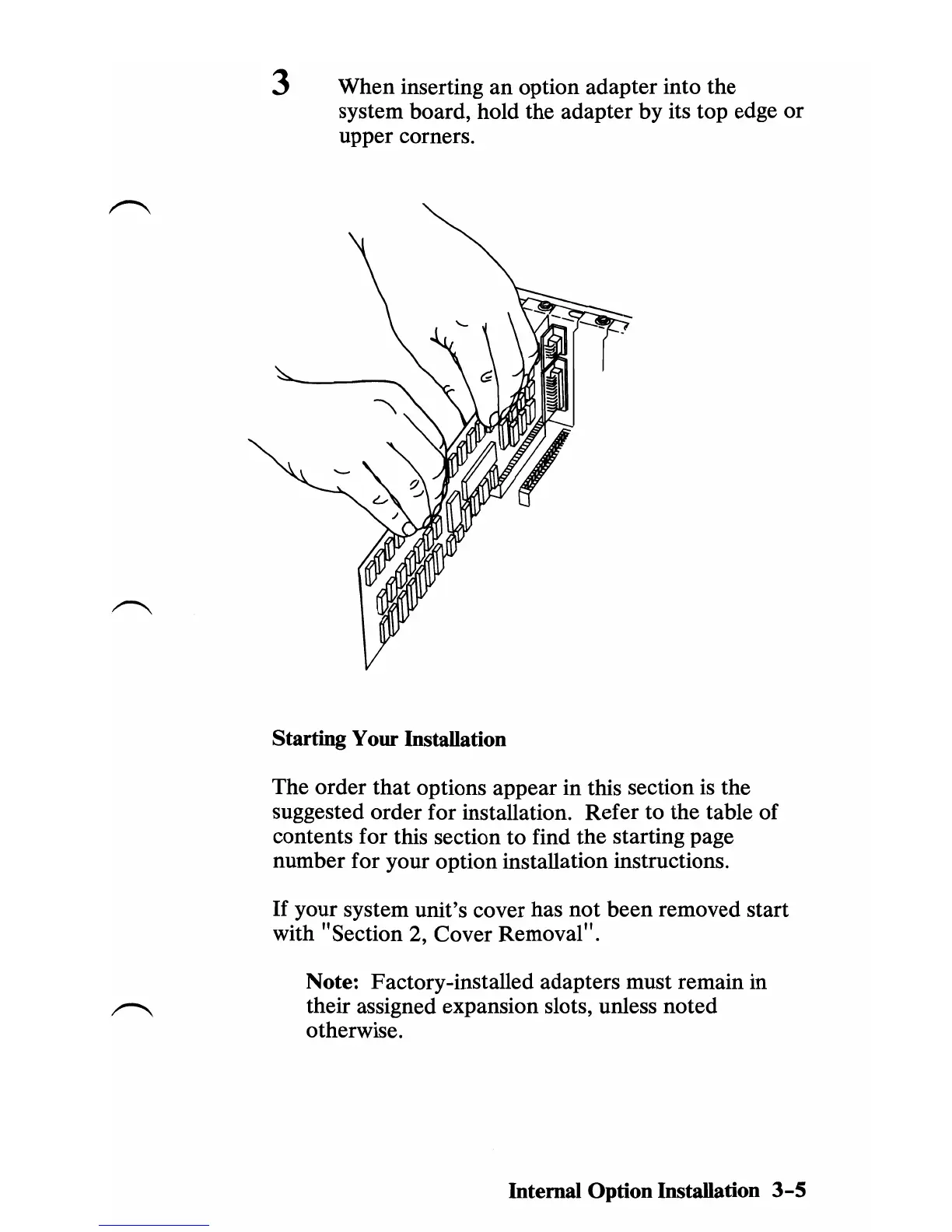
3 When inserting
an
option adapter into the
system board, hold the adapter by its top edge or
upper corners.
Starting Your Installation
The order
that
options appear in this section is the
suggested order for installation. Refer to the table of
contents for this section to find the starting page
number for your option installation instructions.
If
your system unit's cover has not been removed start
with "Section 2, Cover Removal" .
Note: Factory-installed adapters must remain in
their assigned expansion slots, unless noted
otherwise.
Internal Option Installation
3-5



 To Next Page