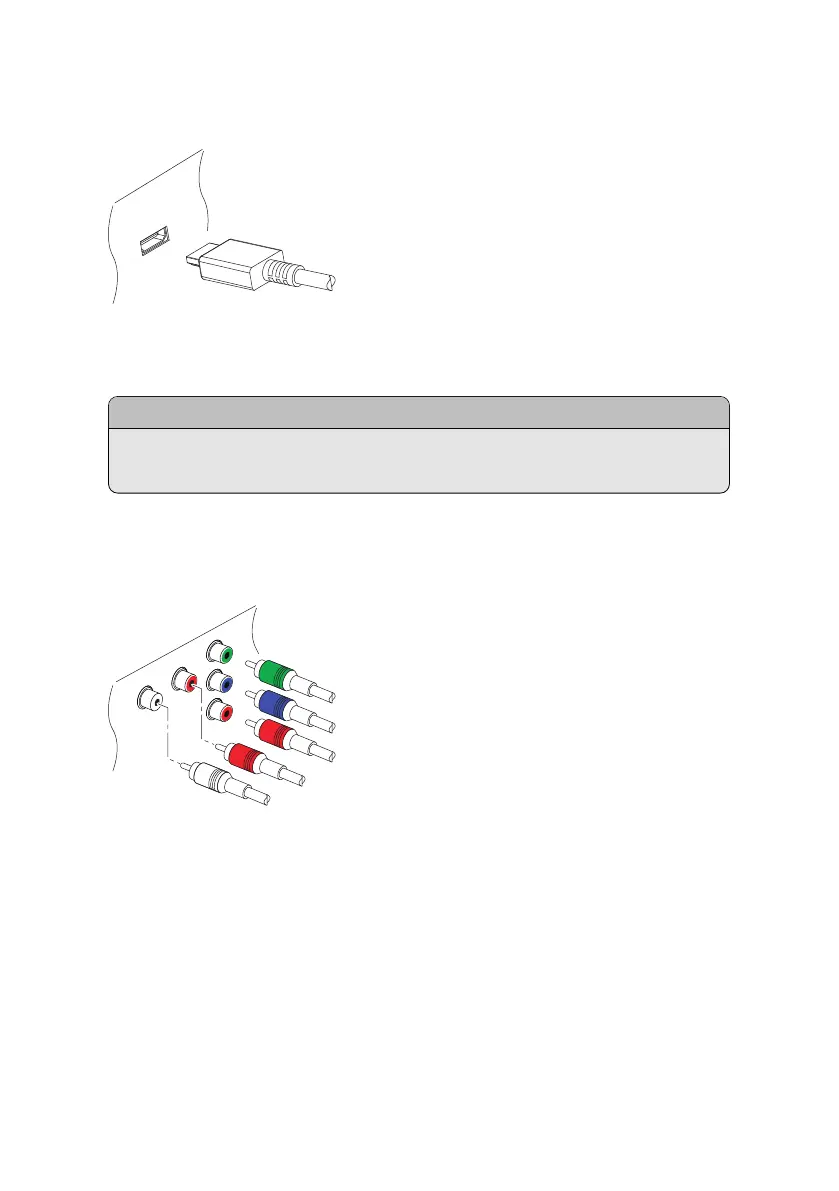
HDMI connection
Connect the receiver’s HDMI output connectors to the TV’s HDMI input con-
nector using an HDMI cable.
..
Note
.
Some HDMI cables and TVs may not be compatible with the receiver due to
differing HDMI specifications.
Component Video Connection
The receiver’s component video connectors are labelled Y, Pb, and Pr, and their
companion audio connectors are labelled L and R. Each of them is coloured dif-
ferently. A typical component cable has five connectors. Connect the receiver’s
component video and audio output connectors to the TV’s component video
and audio input connectors using a component cable, so that the connectors of
the same colour connect to each other.
I 19



 To Next Page