GENERAL INFORMATION AND INSTALLATION
A. INTRODUCTION
4. On models F120, F200, SF300 and SF500
remove the top and front panel while on model
SFN1000 remove top and sides panels of the unit
and inspect for any concealed damage. Notify
carrier of your claim for the concealed damage
as stated in step 2 above.
5. Remove all internal support packing and
m
asking tape.
6. Check that refrigerant lines do not rub
against or touch other lines or surfaces, and that
the fan blades move freely.
7. Check that the compressor fits snugly onto
all its mounting pads.
8. See data plate on the rear side of the unit
and check that local main voltage corresponds
with the voltage specified on it.
CAUTION. Incorrect voltage supplied to
the icemaker will void your parts
replacement program.
9. Remove the manufacturer’s registration
card from the inside of the User Manual and fill-
in all parts including: Model and Serial Number
taken from the data plate.
Forward the completed self-addressed registra-
tion card to ICEMATIC/SCOTSMAN factory.
Storage bin (D101 - D201 - D310)
1. Follow the steps 1, 2 and 3 above to
unpack the storage bin.
2. Unloose the twoboltsandremove the protec-
tion plate from the drain fitting on model D310.
3. Carefully lay it down on its rear side and fit
the four legs into their sockets.
4. Remove all internal support packing and
masking tape as well as the plastic ice cube
deflector which is not used with the SCOTSMAN
Modular Flakers.
5. Remove the manufacturer’s registration
card from the inside of the User Manual and fill-
in all parts including: Model and Serial Number
taken from the data plate.
Forward the completed self-addressed registra-
tion card to ICEMATIC/SCOTSMAN factory.
Storage bin (B 1025 S - B 1350 S)
1. Follow the steps 1, 2 and 3 above to
unpack the storage bin.
NOTE. To retain the safety and performance
built into this icemaker, it is important that
installation and maintenance be conducted
in the manner outlined in this manual.
Storage Bin
B. UNPACKING AND INSPECTION
Icemaker
1. Call yourauthorizedICEMATIC Distributor
or Dealer for proper installation.
2. Visually inspect the exterior of the packing
and skid. Any severe damage noted should be
reported to the delivering carrier and a concealed
damage claim form filled in subjet to inspection of
the contents with the carrier’s representative
present.
3. a) Cut and remove the plastic strip securing
the carton box to the skid.
b) Cut open the top of the carton and remove the
polystyre protection sheet.
c) Pull out the polystyre posts from the corners
and then remove the carton.
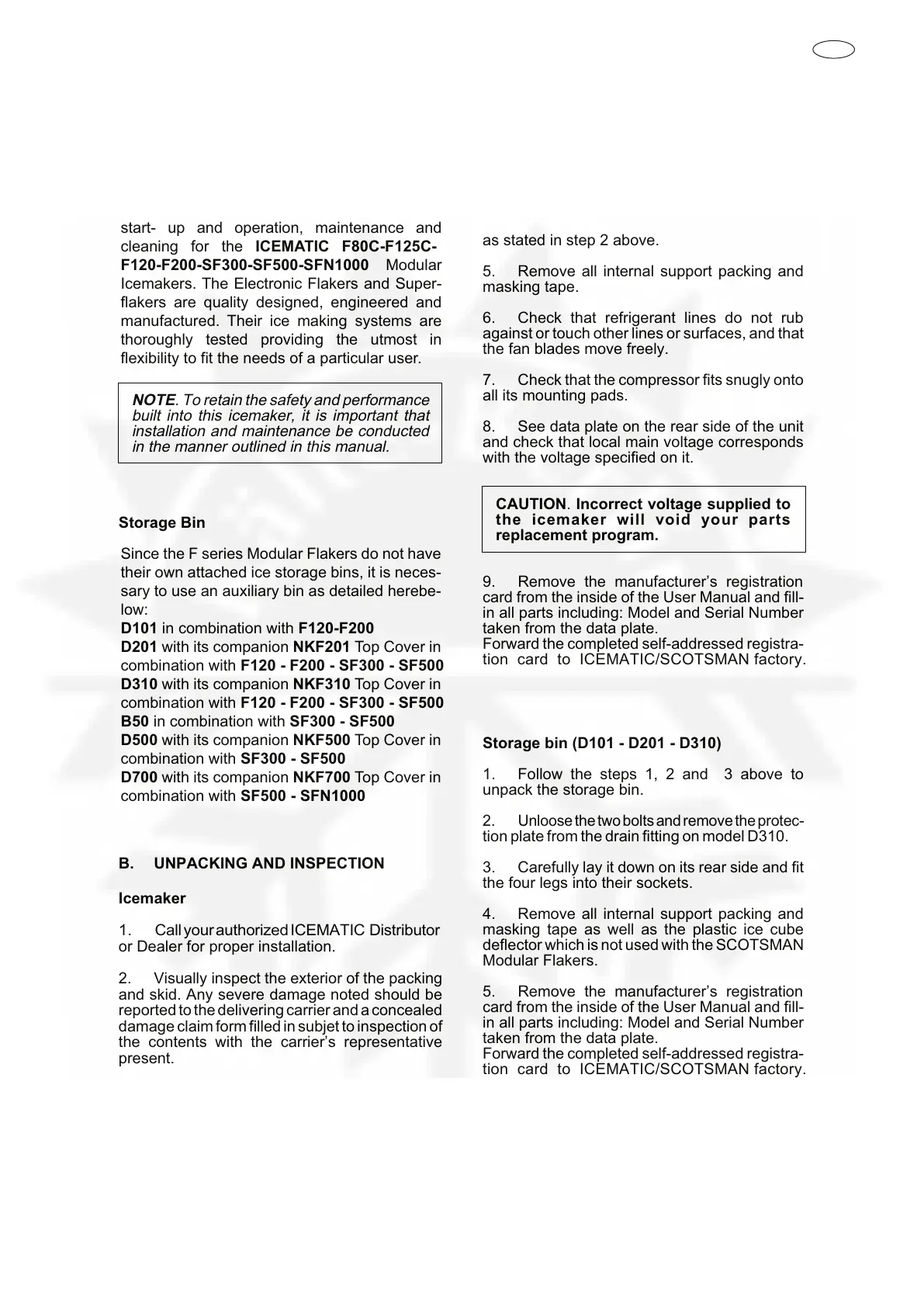
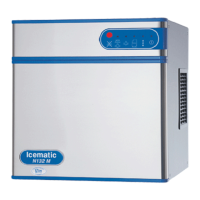
This manual provides the specifications and
the step-by-step procedures for the installation,
start- up and operation, maintenance and
cleaning for the ICEMATIC F80C-F125C-
F120-F200-SF300-SF500-SFN1000 Modular
Icemakers. The Electronic Flakers and Super-
flakers are quality designed, engineered and
manufactured. Their ice making systems are
thoroughly tested providing the utmost in
flexibility to fit the needs of a particular user.
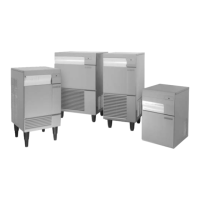
Since the F series Modular Flakers do not have
their own attached ice storage bins, it is neces-
sary to use an auxiliary bin as detailed herebe-
low:
D101 in combination with F120-F200
D201 with its companion NKF201 Top Cover in
combination with F120 - F200 - SF300 - SF500
D310 with its companion NKF310 Top Cover in
combination with F120 - F200 - SF300 - SF500
B50 in combination with SF300 - SF500
D500 with its companion NKF500 Top Cover in
combination with SF300 - SF500
D700 with its companion NKF700 Top Cover in
combination with SF500 - SFN1000


 To Next Page