Industrivej 62
DK-6740 Bramming
Denmark
Version: 2.0
IceTech PR350H
User’s manual
Date: 2017.07.03
Init: JM
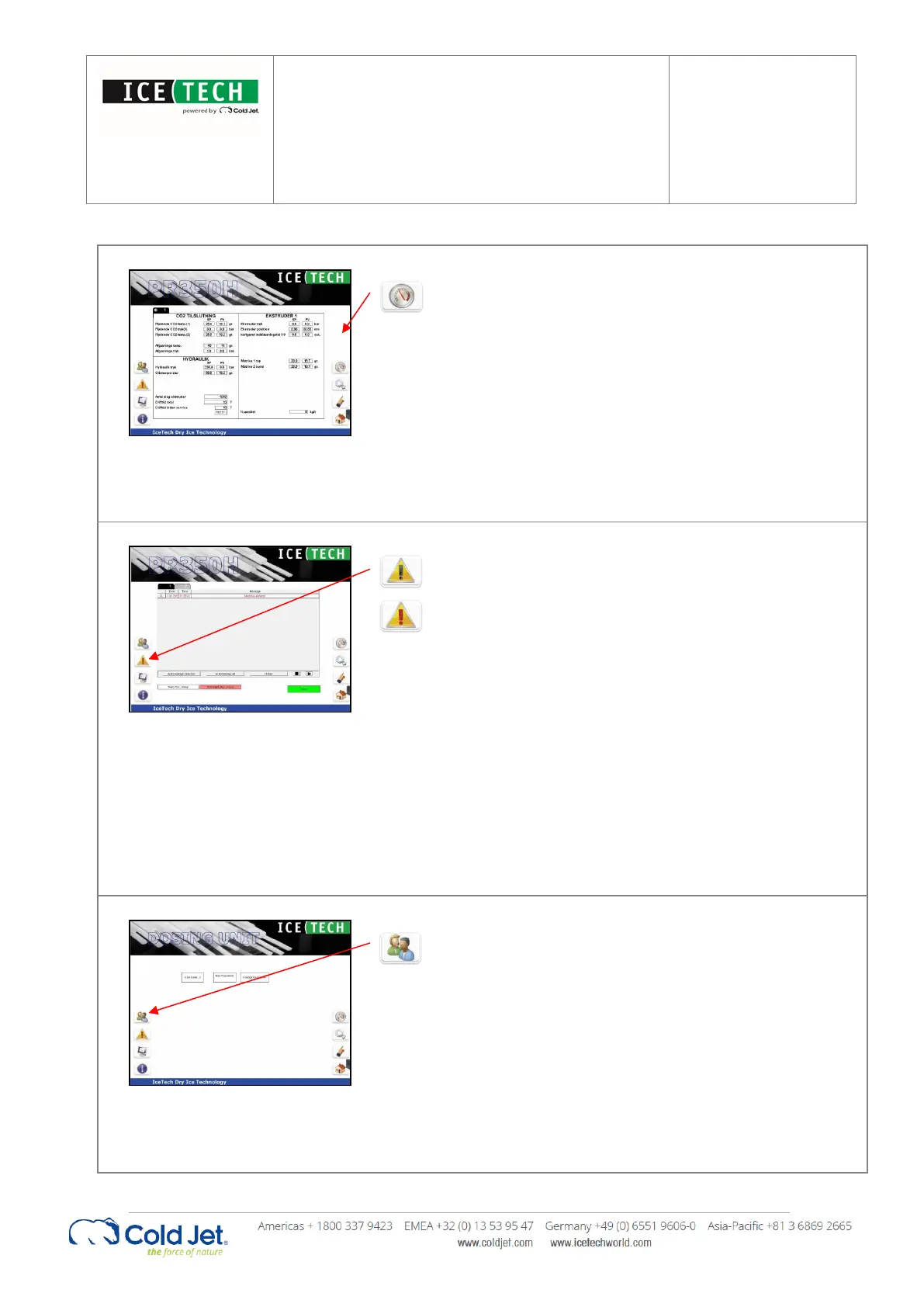
By pressing the “gauge” button the “process values”
page is activated. The page contains a 2-column
display of real time process values (PV). The
corresponding “Set Values” (SV) are displayed next to
the PV for comparison. During production the PV will
vary inside the given SV window.
The operating hours, time to service and the
cumulated strokes for the extruder are also displayed
on this page.
The Alarm page displays alarms for both Pelletizer and
Dosing Unit. By pushing the “Alarm” button the active
alarms are shown on the screen. The alarm text will
be written in red.
Alarms must be reset before the production can
continue. When an alarm is reset the text turns green.
If the text does not change from red to green by
pushing the reset button it means that the error has
not been corrected.
To remove a reset alarm, select the row and press
“Acknowledge”. Another option is to press
“Acknowledge all” which removes all the alarms.
Some functions are password protected, ie. setpoints.
To change these values the operator must login.
By activating the “User” button a login window and a
keyboard appears on the screen.
Select the user level and enter the corresponding
password.
Press OK to proceed and cancel to exit.
To remove the keyboard, press X in the upper right
corner.


 To Next Page