11
Bluetooth
®
OPERATION
11-14
Deleting a Bluetooth
®
device from the pairing list
You can delete a Bluetooth
®
device from the “BT
Device List” screen. Before deleting a connected
Bluetooth
®
device, disconnect it. (p. 11-13)
<Menu operation>
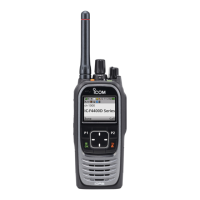
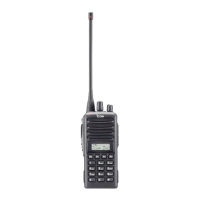
Portable: For the Ten-key and the Simple key types
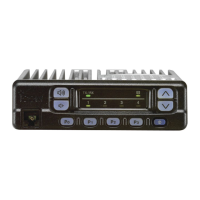
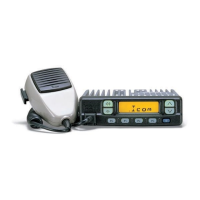
Mobile: For the LCD types
(Menu > Bluetooth > BT Device List)
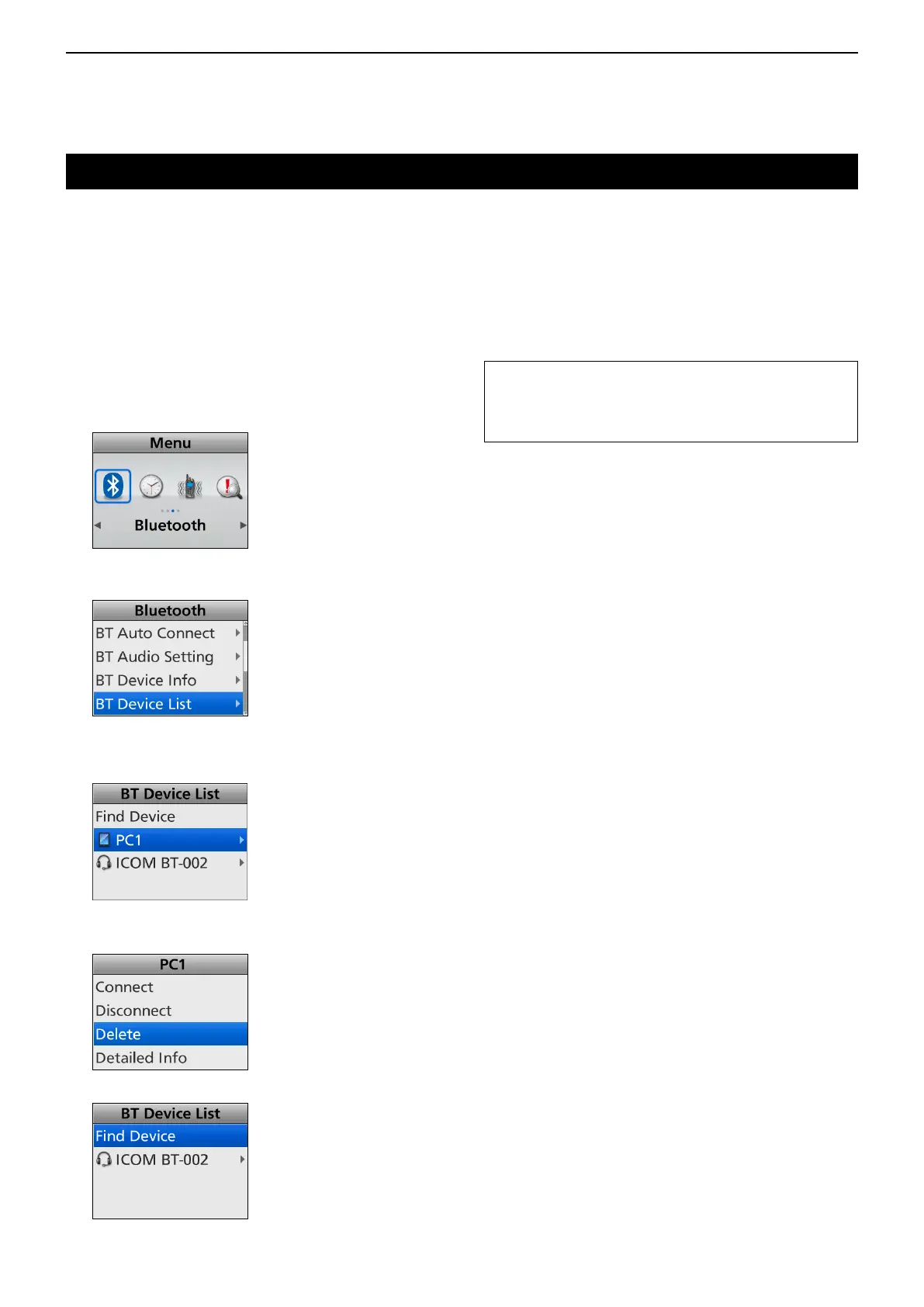
1. Push [Menu] to display the “Menu” screen.
2. Push [Left] or [Right] to select “Bluetooth,” then
push [OK].
3. Push [Up] or [Down] to select “BT Device List,”
then push [OK].
4. Push [Up] or [Down] to select the Bluetooth
®
device that is currently unconnected, then push
[OK].
5. Push [Up] or [Down] to select “Delete,” then push
[OK].
6. The Bluetooth
®
device is deleted from the list.
TIP: If you want to connect the deleted device, you
mustrstpairwithitagain.
• Pairing with a headset: p. 11-6
• Pairing with a data device: p. 11-9



 To Next Page
 Loading...