11
Bluetooth
®
OPERATION
11-15
Resetting the installed Bluetooth
®
unit
You can reset the installed Bluetooth
®
unit. You should
reset the unit if you have trouble during Bluetooth
®
operation.
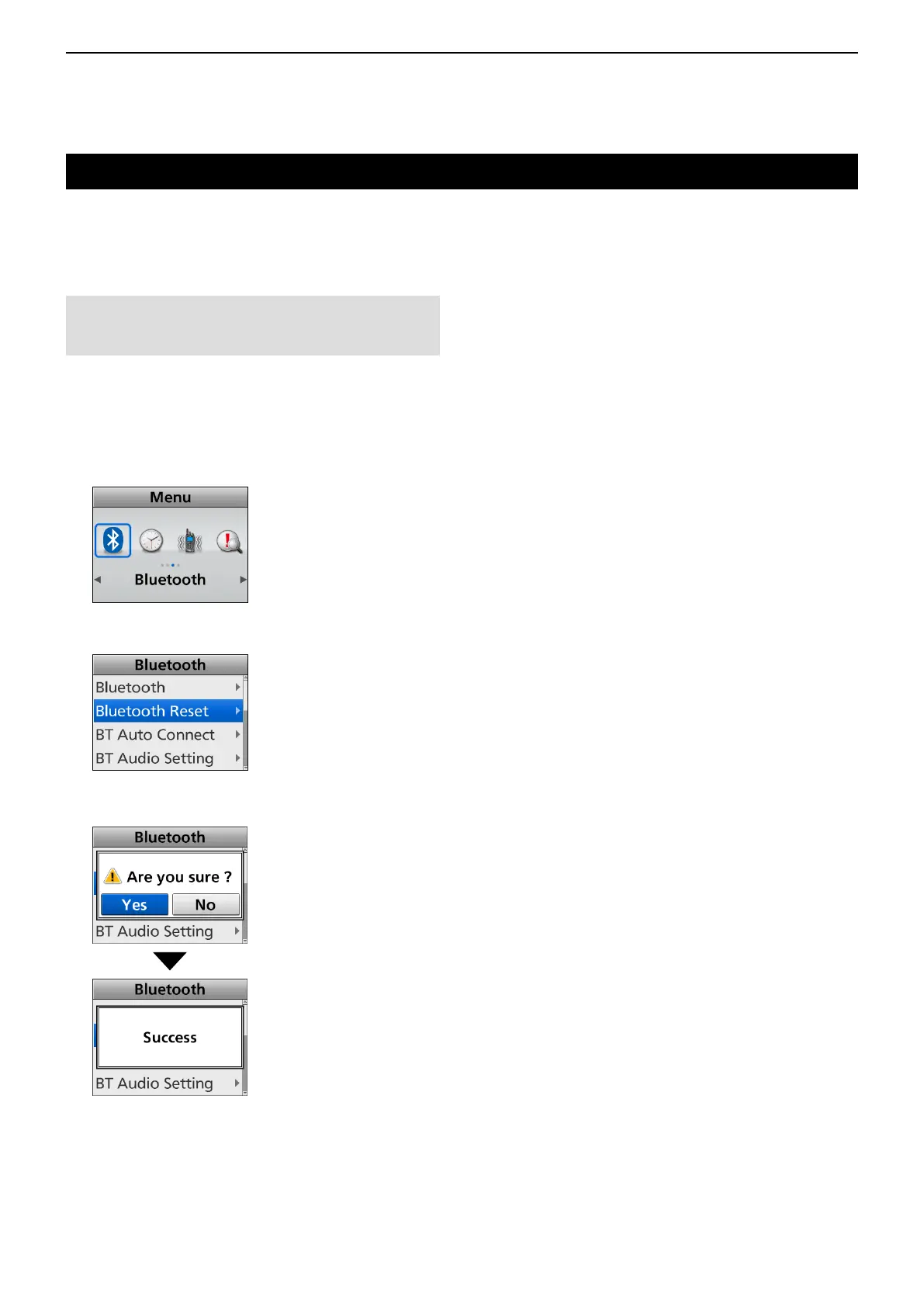
<Menu operation>
(Menu > Bluetooth > Bluetooth Reset)
1. Push [Menu] to display the “Menu” screen.
2. Push [Left] or [Right] to select “Bluetooth,” then
push [OK].
3. Push [Up] or [Down] to select “Bluetooth Reset,”
then push [OK].
4. Push [Left] or [Right] to select <Yes>, then push
[OK].
•ResetstheBluetooth
®
unit’s settings to their
factory defaults.
5. Hold down [Back] for 1 second to return to the
standby screen.
NOTE: Before resetting, the Bluetooth
®
function
must be turned OFF. Otherwise, resetting cannot be
done.
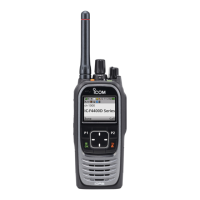
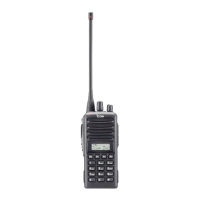
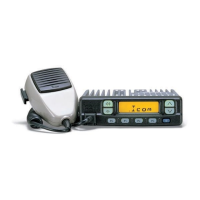
D For the Portable Ten-key and Simple key types and Mobile LCD types



 To Next Page
 Loading...