11
Bluetooth
®
OPERATION
11-16
D For the Portable Non-display types and Mobile Segment types
Resetting the installed Bluetooth
®
unit (Continued)
NOTE: Before resetting, the Bluetooth
®
function
must be turned OFF. Otherwise, resetting cannot be
done.
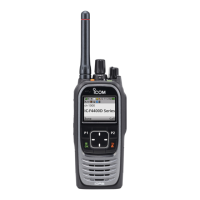
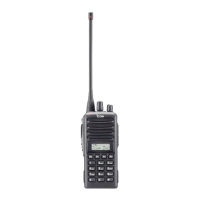
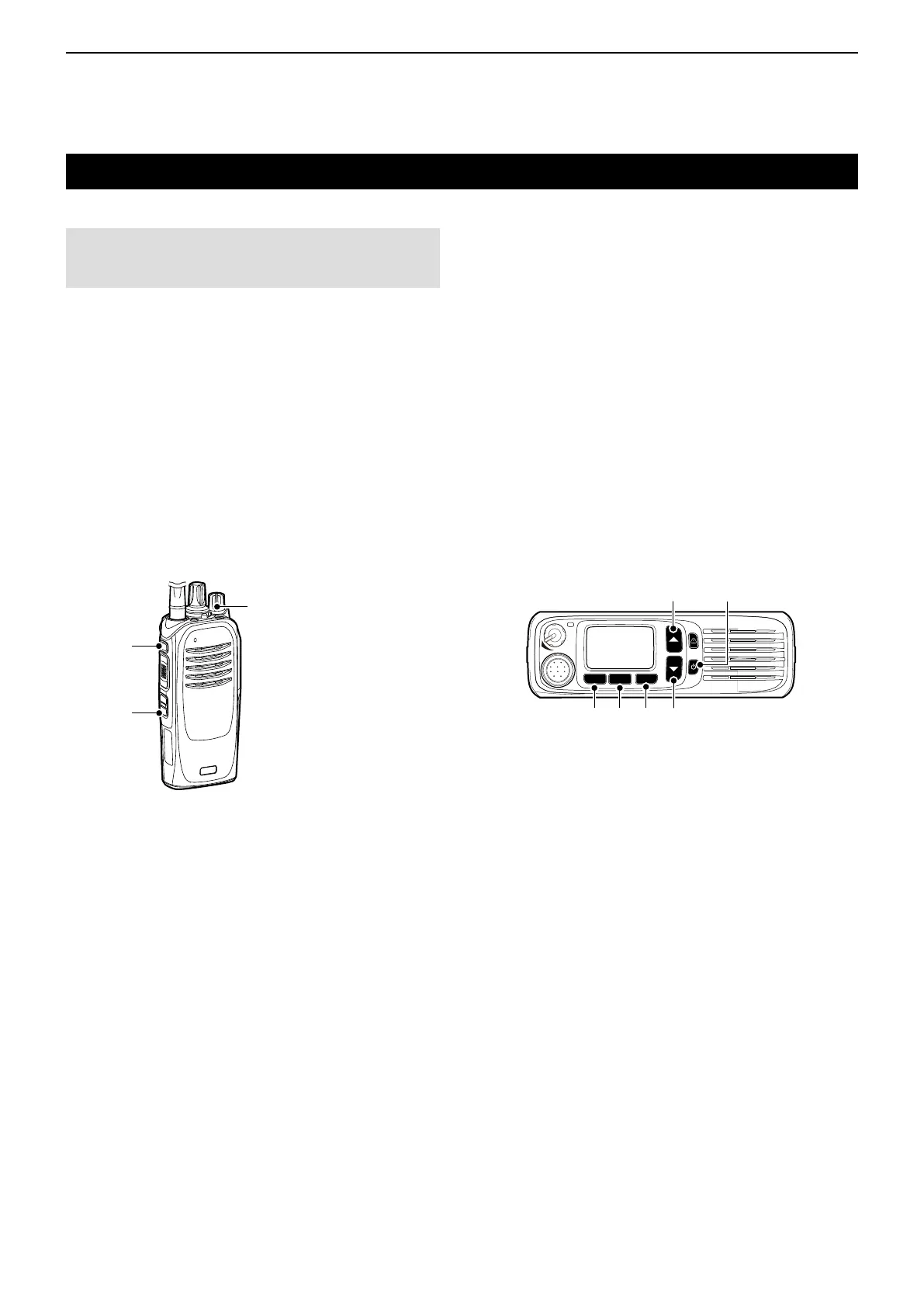
Portable:
1. Turn OFF the transceiver.
2. Set [Selector] to any channel other than Channel
16.
3. While holding down [F1], turn ON the transceiver.
Continue holding down [F1] for about 3 seconds.
• 2 beeps sound.
• The transceiver enters the Bluetooth
®
Set mode.
4. Hold down [F3] for 1 second to reset the
Bluetooth
®
unit’s settings to their factory defaults.
5. Turn OFF the transceiver, then turn it ON again to
exit the Bluetooth
®
Set mode.
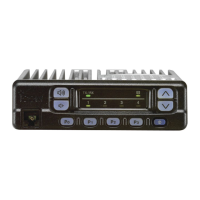
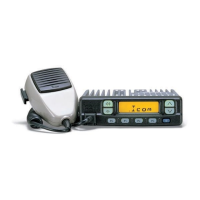
Mobile:
1. Turn OFF the transceiver.
2. While holding down [F2] and [F3], turn ON the
transceiver. Continue holding down [F2] and [F3]
for about 3 seconds.
• 2 beeps sound.
3. Hold down [F1] for 1 second to enter the Set
mode.
4. Push [F2] or [F3] to select “b0.”
5. Hold down [Down] for 1 second to reset the
Bluetooth
®
unit’s settings to their factory defaults.
6. Hold down [F1] for 1 second to exit the Set mode.
7. Turn OFF the transceiver, then turn it ON again to
normally operate the transceiver.
F1 F2 F3
[Up]
[Down][F1] [F2] [F3]
Power key
[VOL]
[F1]
[F3]



 To Next Page
 Loading...