71
8
OTHER FUNCTIONS
New2001
1
2
3
4
5
6
7
8
9
10
11
12
13
14
15
16
Using the ■ Horn
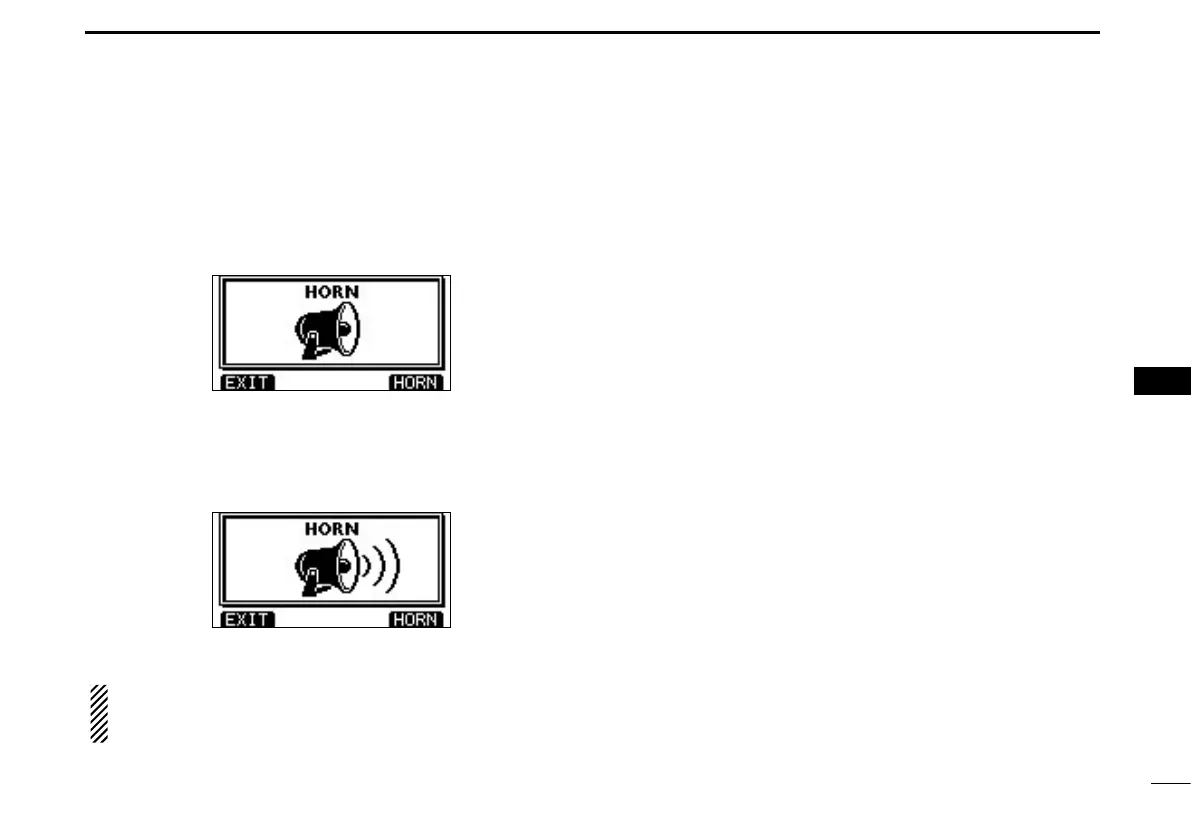
The Horn function sounds a horn.
Connect a PA speaker as described on page 82.
Push [HORN] to enter the Horn mode. q
Hold down [HORN] to sound a horn. w
•Whileholdingdown[HORN],thehornsounds,andthescreen
below is displayed.
•Rotate Dialor push [Y]/[Z]/[Ω]/[≈] to adjust the horn volume
level.
Push [EXIT] to return to the normal operating screen. e
While in the Horn mode, the transmit and receive functions
are disabled. When the transceiver is transmitting, the
Horn function is disabled.



 To Next Page