CHAPTER 2. GETTING STARTED 8
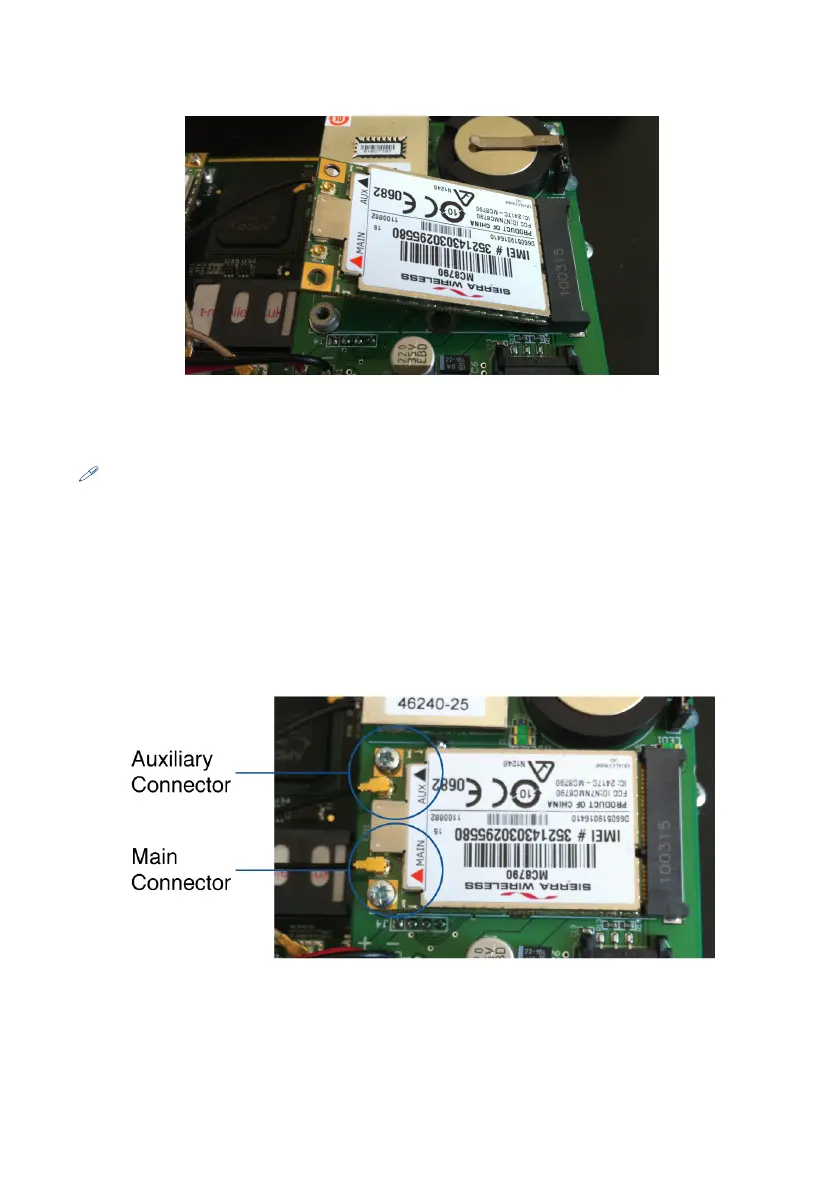
Figure 2.1: Insert the modem at an angle
Note: The larger screws are for WAN 1 on the Icomera add-on board
4 Locate the WAN 1 main and aux pigtail and connect this to main and aux
connectors on the WAN 1 modem respectively, ensuring the connections are
properly made. If you are using dual WAN repeat this process for WAN 2.
Your installation should look like Figure 2.2.
Figure 2.2: Modem connectors
5 Insert the SIM card(s) in the slots next to the WAN modems. Remember WAN
1 is the upper slot on the Icomera add-on board and WAN 2 is the lower slot


 To Next Page