47
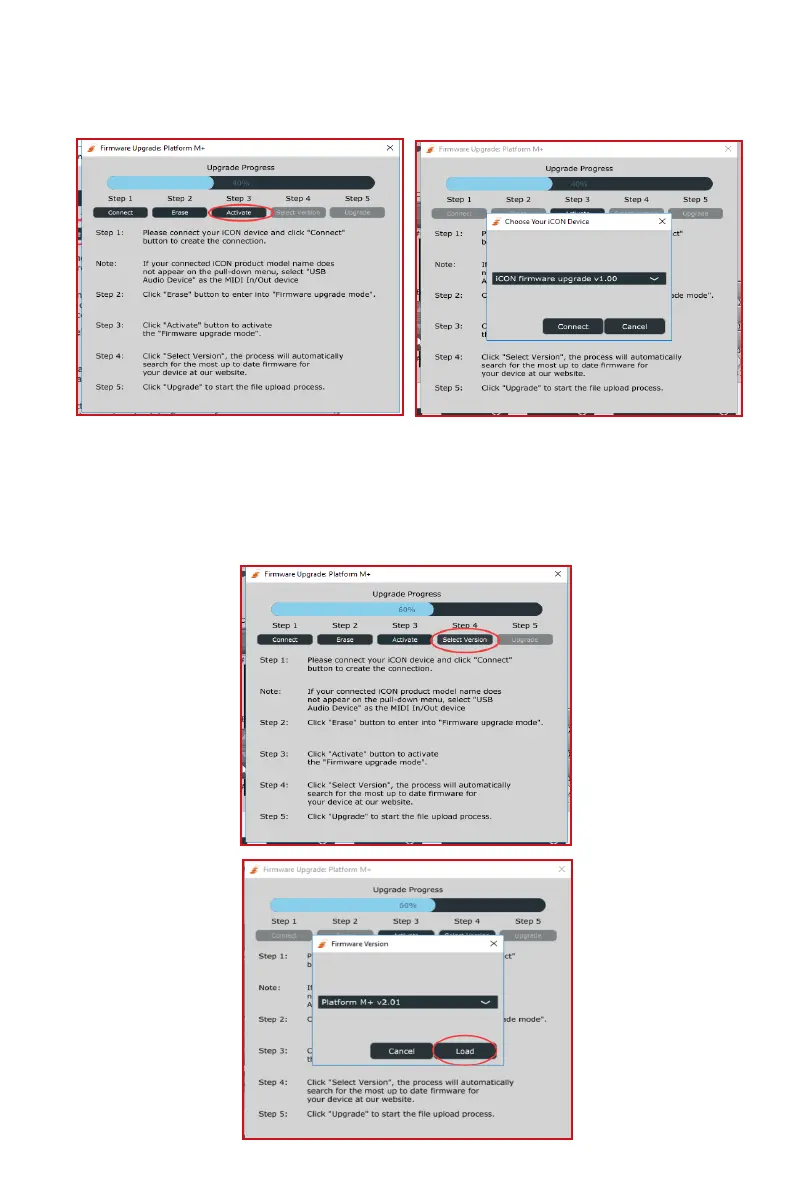
Step 3:
Step 4:
Please wait a few seconds to ensure the unit has recycled completely, and
then click the third button "Activate" and select “Firmware Upgrade V1. 00” to
activate the rmware upgrade mode.
Click the “Select version” or “Open File” button to browse the new rmware
such as “Platform _M+_V2. 00. bin”.



 To Next Page