iconBIT XD290HDMI User Manual
14
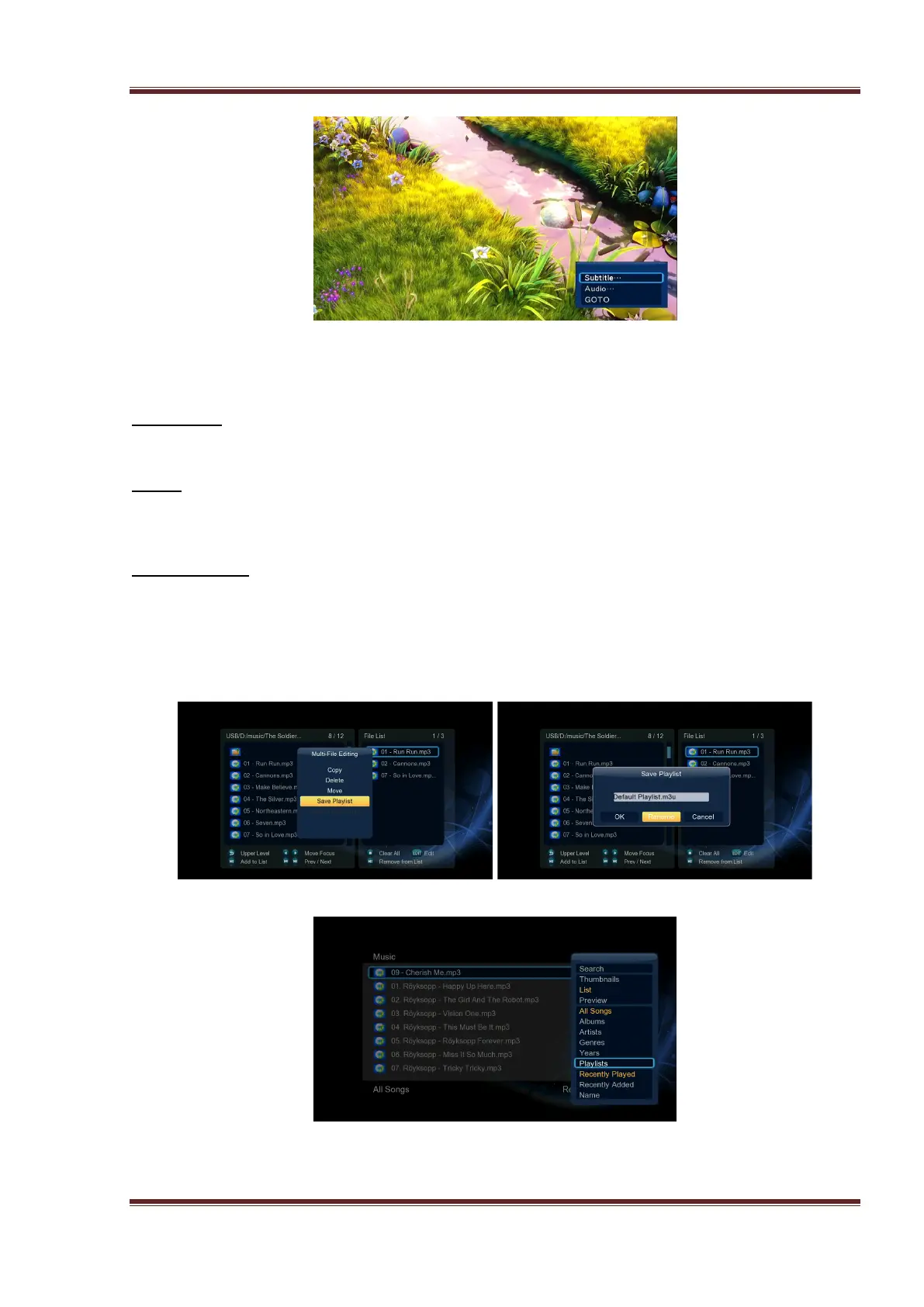
Except select audio track, subtitle, repeat mode, you also can get following functions though
the Option menu during video playback.
DVD Menu
- Select to return to the navigation menu during DVD IFO or ISO playback.
GOTO
- Select to jump to a specific point on a title. Specify the point using Title, Chapter and
Time.
Video Setting
- Select to adjust the value of Brightness, Contrast, Saturation and Hue.
3.3 Playlist management
In the music/photo library, select music/photo files then press EDIT, and then save them to
playlist/album.
Then enter music library/photo library press MENU button and choose Playlists/album to
show your music playlists/photo playlists.



 To Next Page